

 X
 Discord
 Instagram
 YouTube
 ChatGPT
Reversals & Invalidation Levels
The reversal layer marks exhaustion at the end of a move and gives every signal a level that defines when the idea is wrong.
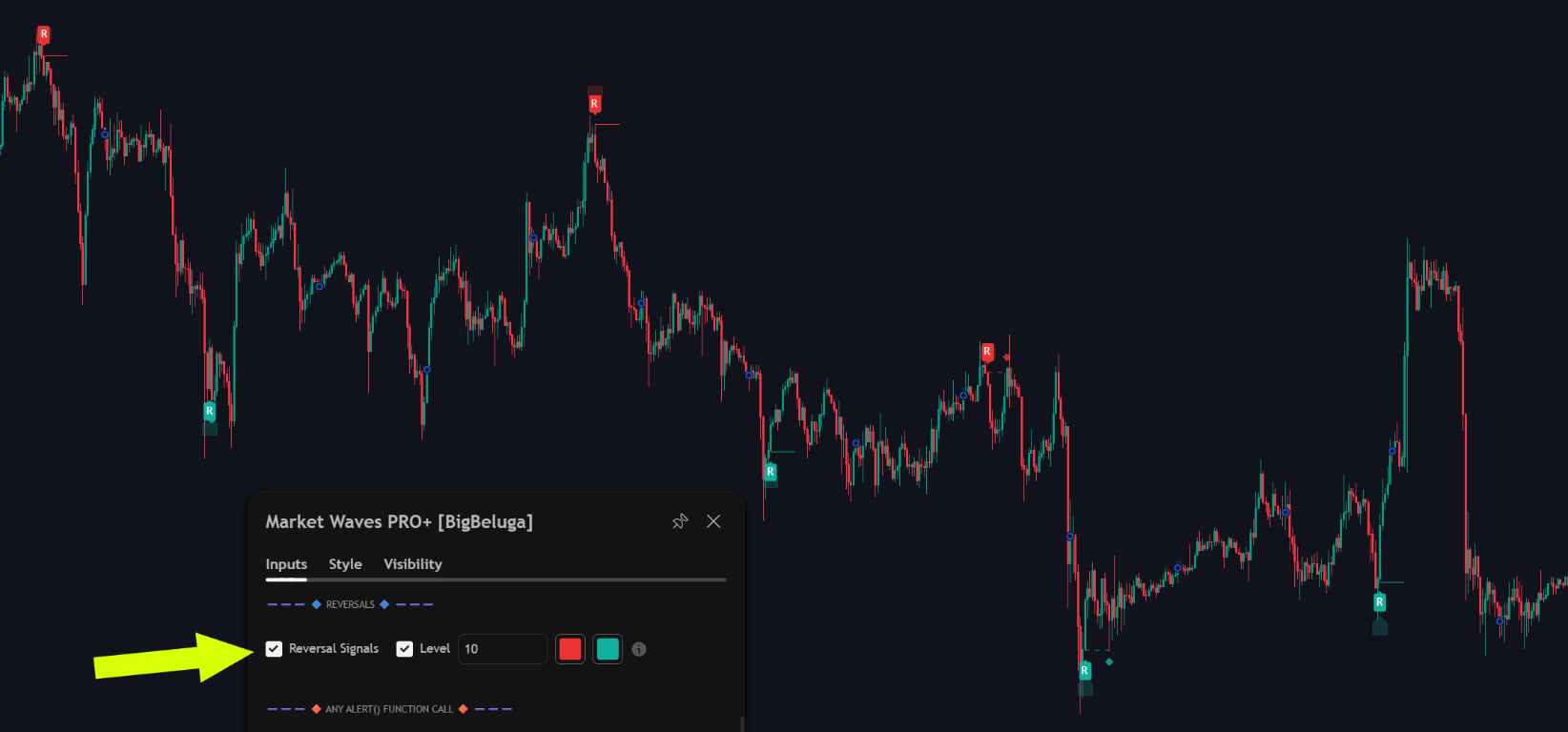
Non-repainting signals
Reversal markers are evaluated on live tick data. Once printed on the chart they never disappear or shift to another bar, so what you see in history is what you would have seen in real time.
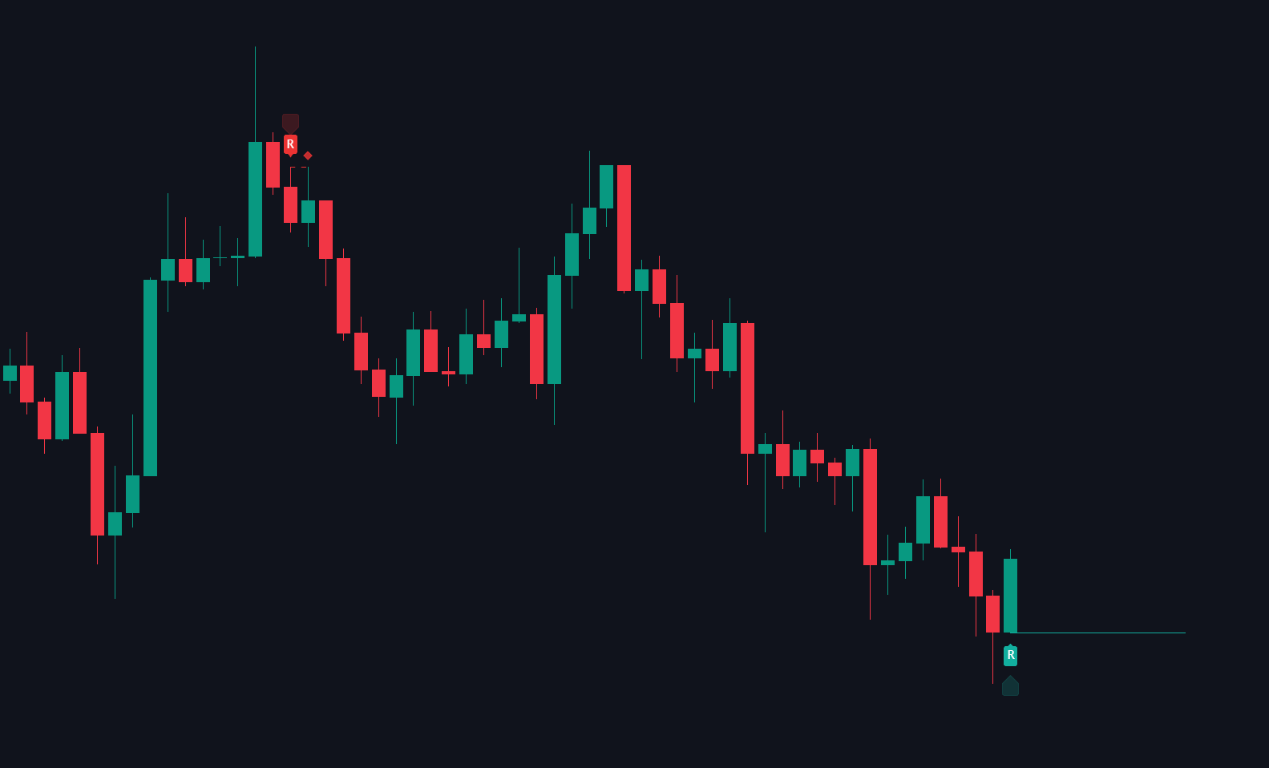
That matters more for reversals than for any other signal type: an indicator that removes its bad calls during backtesting looks excellent and trades badly.
Invalidation levels and reversal sweeps
Every reversal carries a level, and the level is what the reversal sweep is measured against. They are one mechanism, so they are documented together.
When a reversal fires, a horizontal line is drawn at the swing that created it.
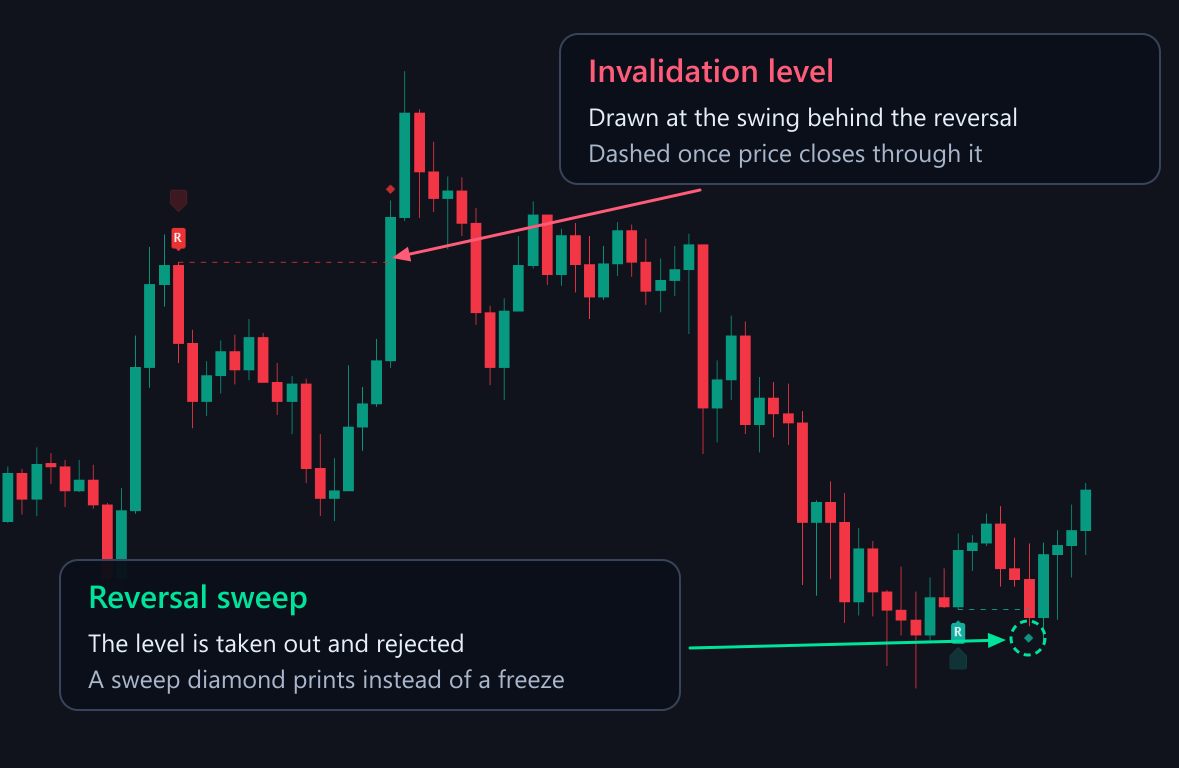
- Invalidation level - drawn at the swing behind the reversal. If price closes through it, the reversal is invalidated and the line freezes in place as a dashed historical marker.
- Reversal sweep - if price sweeps the level before it freezes, the toolkit prints a sweep marker instead. The market took out the late entries and then rejected.
Frozen lines are useful context on their own: a cluster of invalidations tells you the market is trending rather than reversing.
Invalidations and sweeps are available as their own alert conditions and as steps inside the custom alert sequences.
Settings
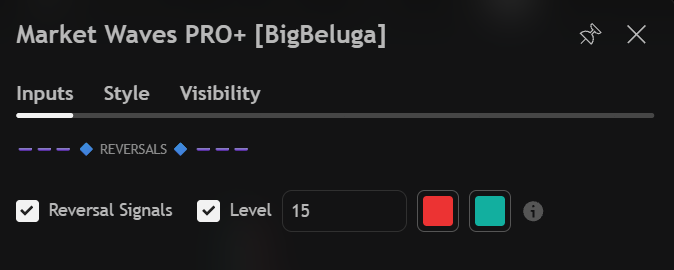
| Settings | Description |
|---|---|
| Reversal Signals | Enable the reversal markers and their invalidation levels. |
| Level | Swing lookback used to place the level behind each reversal. |
| Colours | Bearish and bullish colour for the markers and the levels they draw. |
