

 X
X Discord
 Instagram
 YouTube
 ChatGPT
Condition Alerts
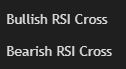
The Ultimate RSI Suite includes a complete alert system covering all major momentum events — from reversals and divergences to channel breakouts and deviation follow-throughs.
Each alert is precisely timed to trigger only after confirmation, ensuring reliability and preventing false notifications during volatile periods.
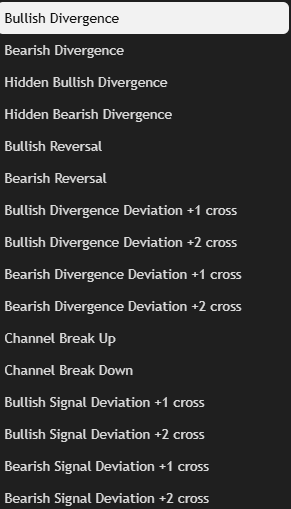
These alerts make it possible to automate RSI-based monitoring, so traders never miss critical turning points, breakouts, or continuation signals.
RSI Reversal Alerts
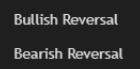
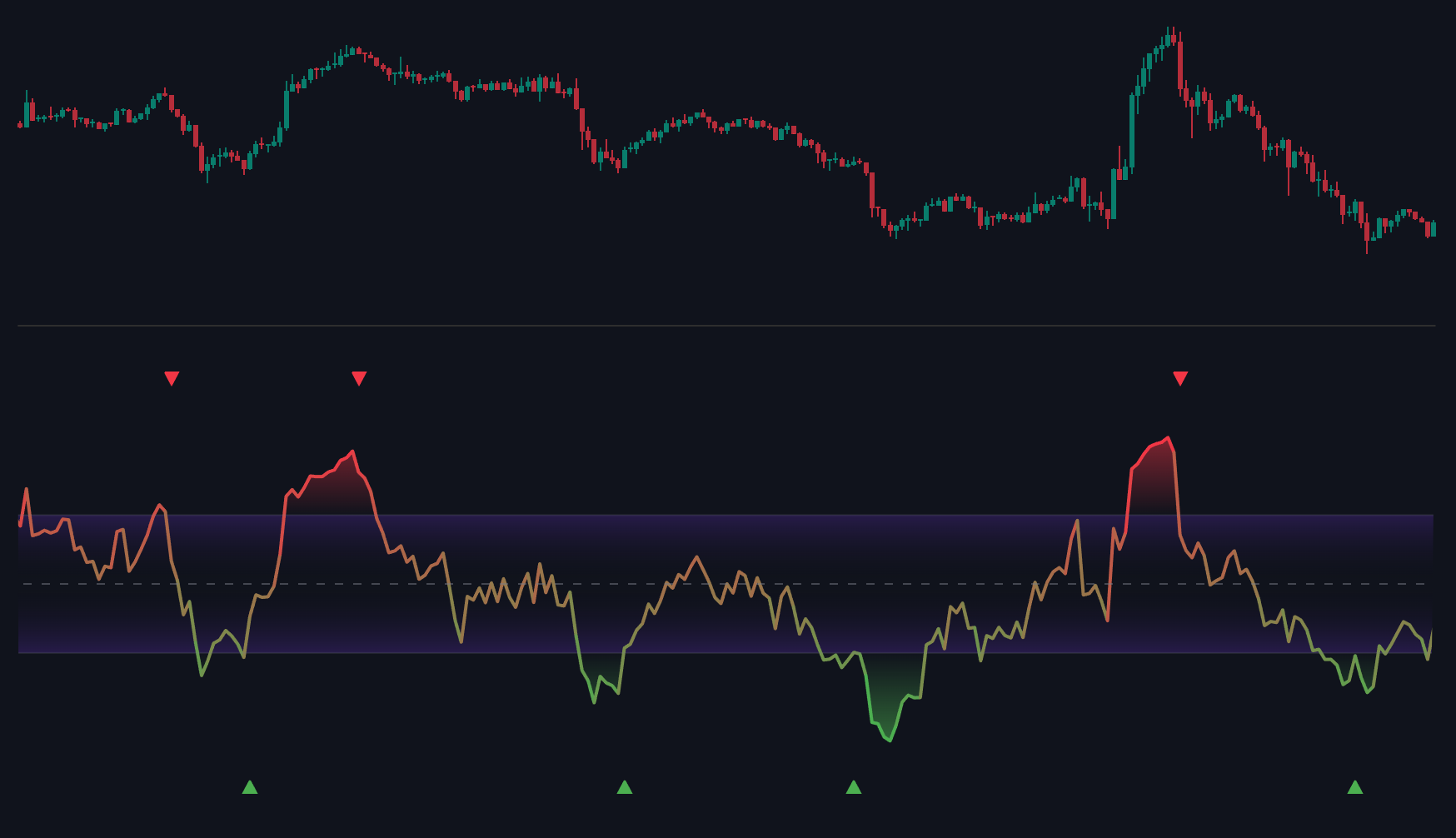
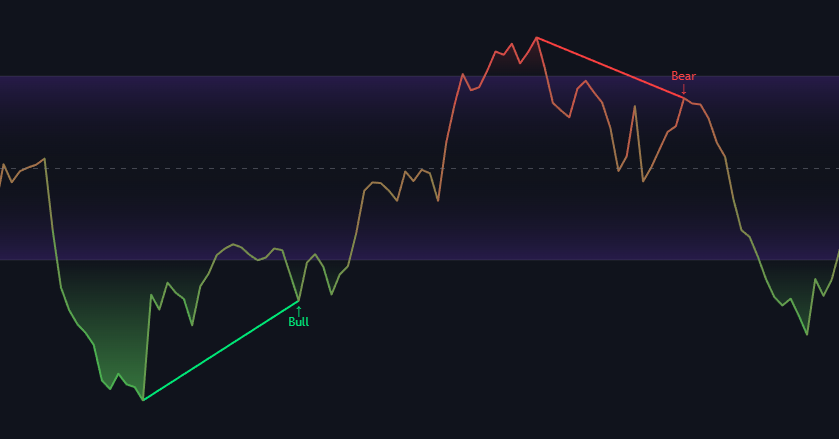
These alerts notify traders when RSI shows a confirmed momentum reversal inside the overbought or oversold zones.
- Bullish Reversal: RSI turns upward after an oversold condition (RSI < 35).
- Bearish Reversal: RSI turns downward after an overbought condition (RSI > 65).
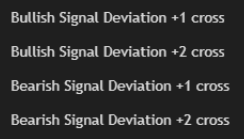
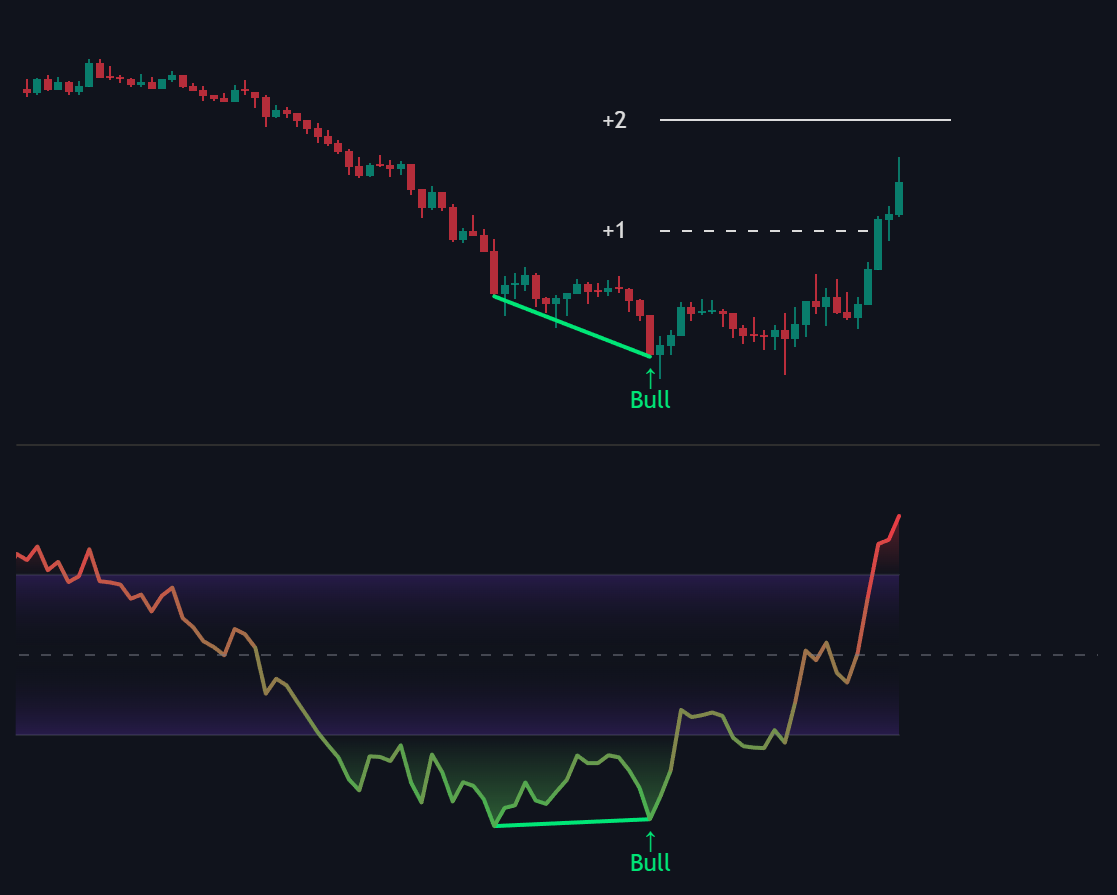
Deviation Alerts (+1 / +2):
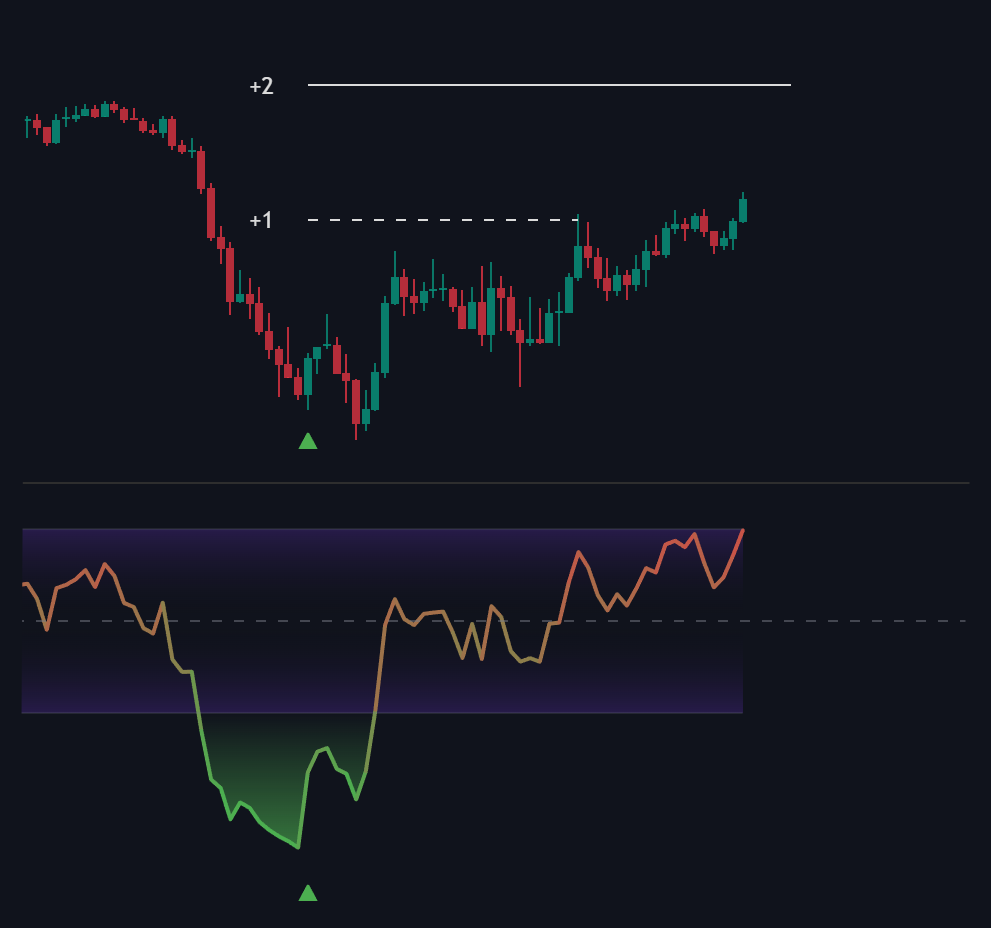
When deviation tracking is enabled, the following alerts are also available:
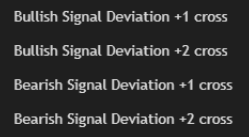
- Bullish Deviation +1 / +2 Cross
- Bearish Deviation +1 / +2 Cross
They trigger when price reaches the projected deviation levels after a reversal, confirming that the reversal continues to develop as expected.
RSI Divergence Alerts
These alerts trigger when a confirmed divergence appears between RSI and price.
- Bullish Divergence: Price makes a lower low while RSI forms a higher low.
- Bearish Divergence: Price makes a higher high while RSI forms a lower high.
RSI Hidden Divergence Alerts
These alerts trigger when a confirmed divergence appears between RSI and price.
- Hidden Bullish Divergence: Price makes a higher low while RSI forms a lower low.
- Hidden Bearish Divergence: Price makes a lower high while RSI forms a higher high.
Deviation Follow-Throughs (+1 / +2):
Optional deviation alerts confirm how price reacts after a divergence:
- Bullish Divergence Deviation +1 / +2 Cross
- Bearish Divergence Deviation +1 / +2 Cross
These alerts help validate whether divergence has led to actual continuation or was quickly invalidated by market volatility.
RSI Channel Alerts
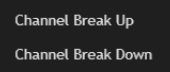
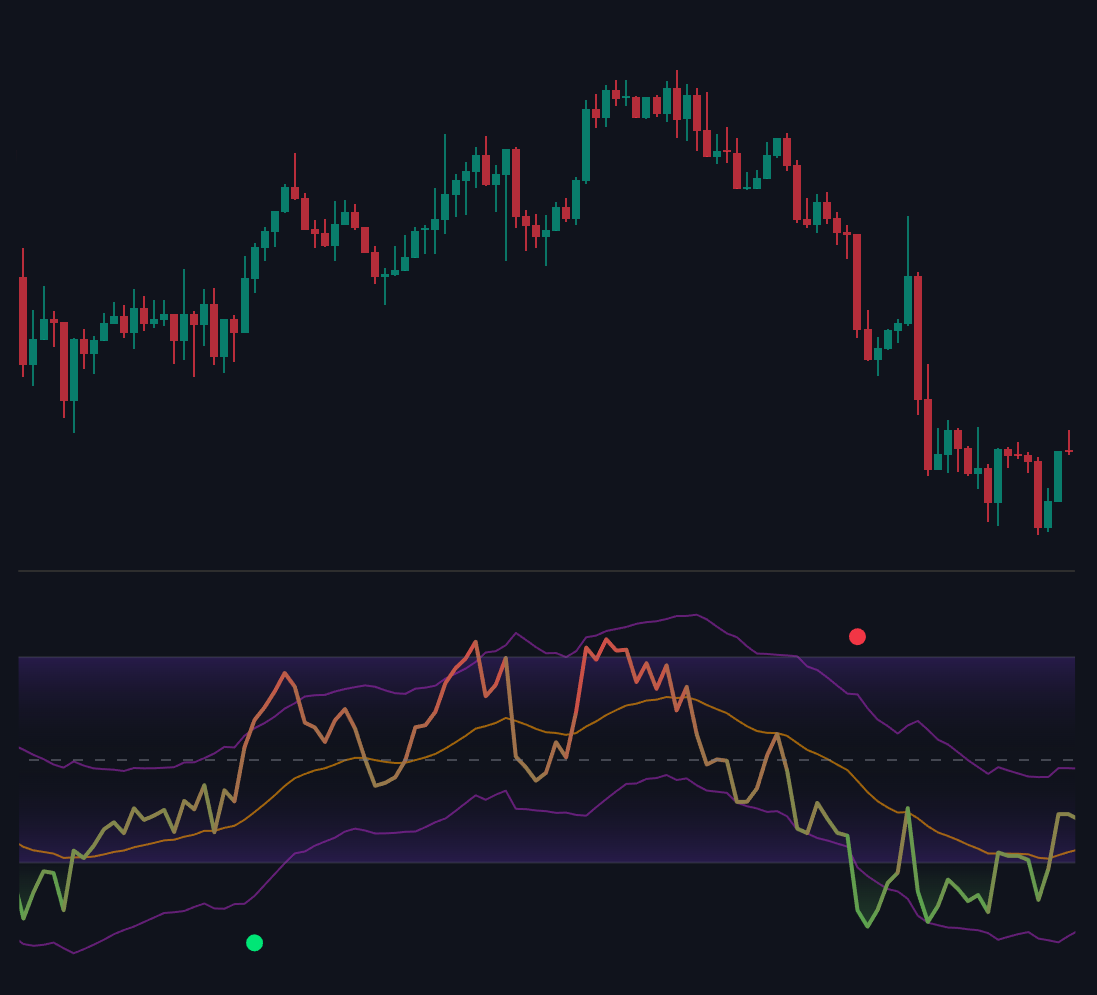
These alerts indicate when RSI breaks outside its volatility envelope — a potential start of new momentum expansion.
- Channel Break Up: RSI crosses above the upper channel boundary.
- Channel Break Down: RSI crosses below the lower channel boundary.
They are available for all channel types (Bollinger, Keltner, Donchian) and are especially useful when combined with other reversal or divergence alerts for confirmation.
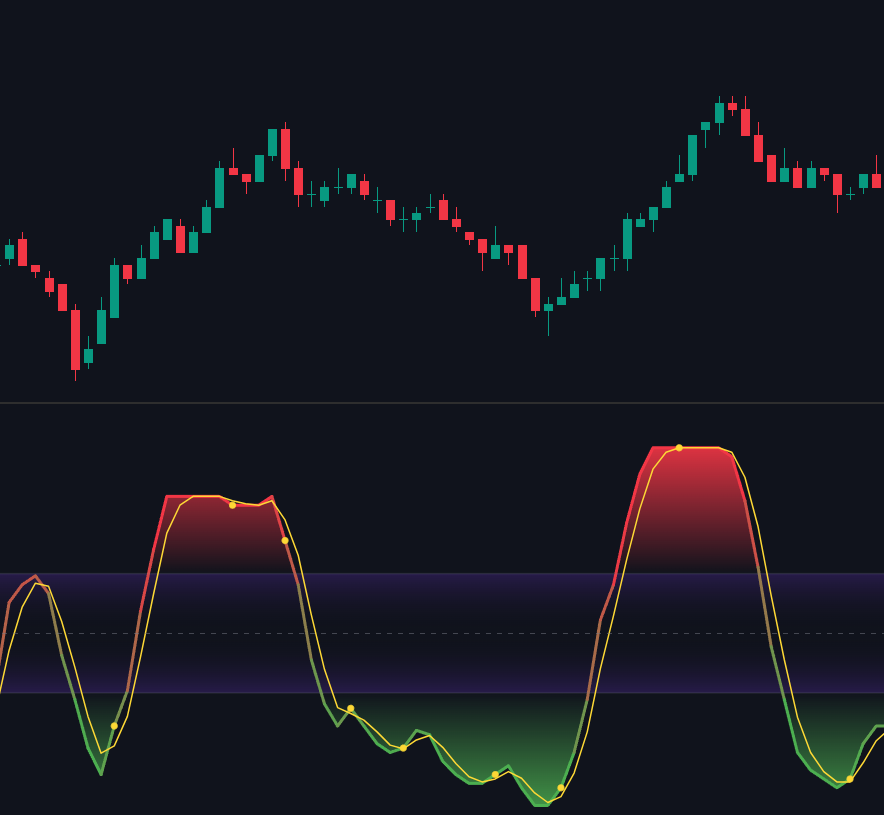
Cross Signals
The yellow dots on the indicator serve as momentum execution signals.
They are strictly triggered by a crossover between the RSI Line and its Signal Line (Moving Average), but only when momentum moves outside of the central purple neutral zone.
Bearish Dots (Above Purple Zone / Overbought)
- Trigger: RSI crosses below the Smoothing line.
Bullish Dots (Below Purple Zone / Oversold)
- Trigger: RSI crosses above the Smoothing line.
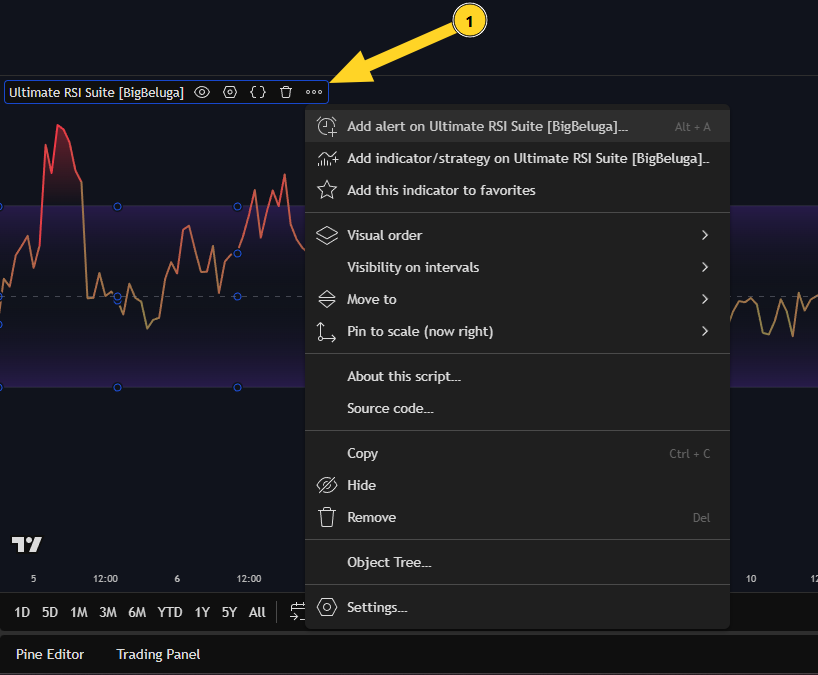
Add Alert
Set Condition
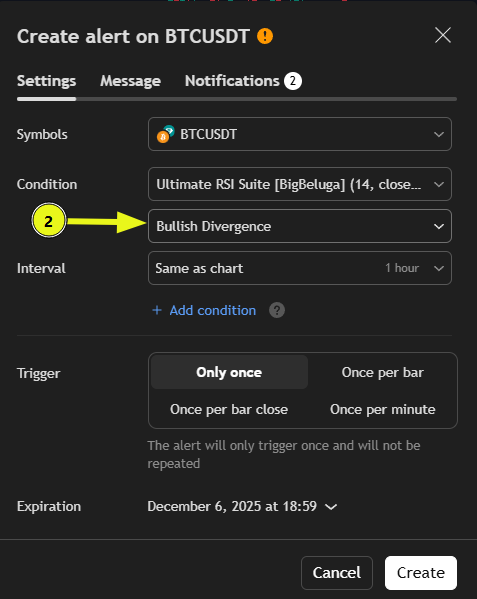
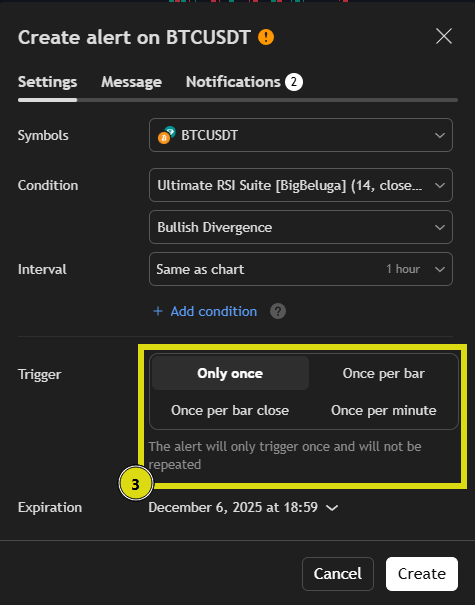
Set Alert Trigger Type
- Only Once – Fires one time, then stops.
- Once per Bar – Fires once during the bar (can repaint).
- Once per Bar Close – Fires after bar closes (confirmed, recommended).
- Once per Minute – Checks every minute for real-time updates.
Customize the Alert Message
Enter a clear Alert Name and edit the Message that will appear when the alert triggers.
You can also add placeholders like{{ticker}},{{interval}},{{close}}etc. to include real-time data in your alert message.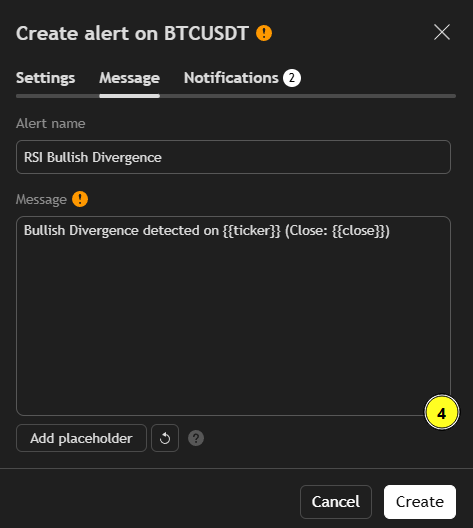
Example:
Alert name: RSI Bullish Divergence
Message: Bullish Divergence detected on {{ticker}} (Close: {{close}})Click Create Alert
Once all settings are configured — click Create Alert to activate it.
Your alert will now monitor the selected RSI event automatically and send a notification as soon as the condition is met.
