

 X
X Discord
 Instagram
 YouTube
 ChatGPT
Price Action Concept
FIBONACCI RANGES
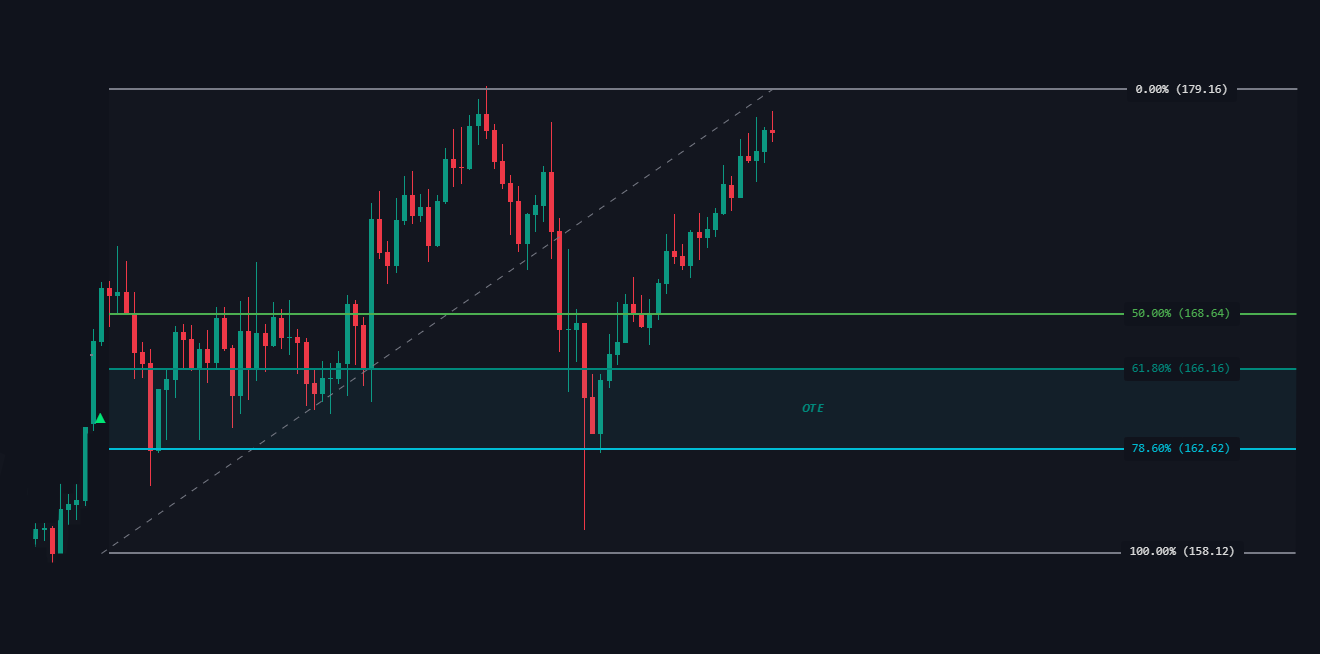
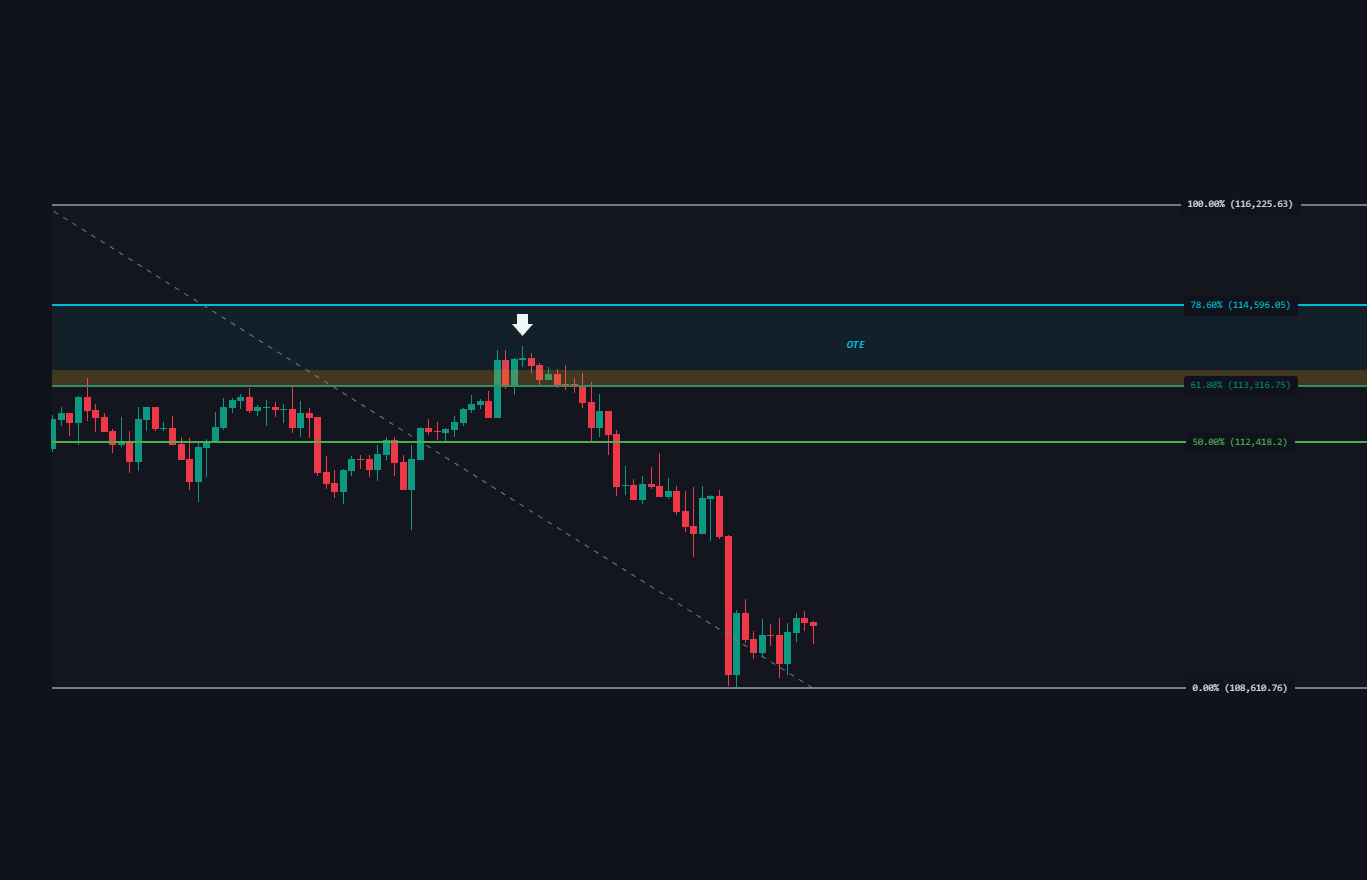
Fibonacci Ranges with OTE (Optimal Trade Entry) show key retracement levels for reviewing price behavior during pullbacks.
Fibonacci Levels
Key levels are 61.8% and 78.6%, which form the OTE zone, where reversals or continuations are likely.
Levels
Trend Positioning
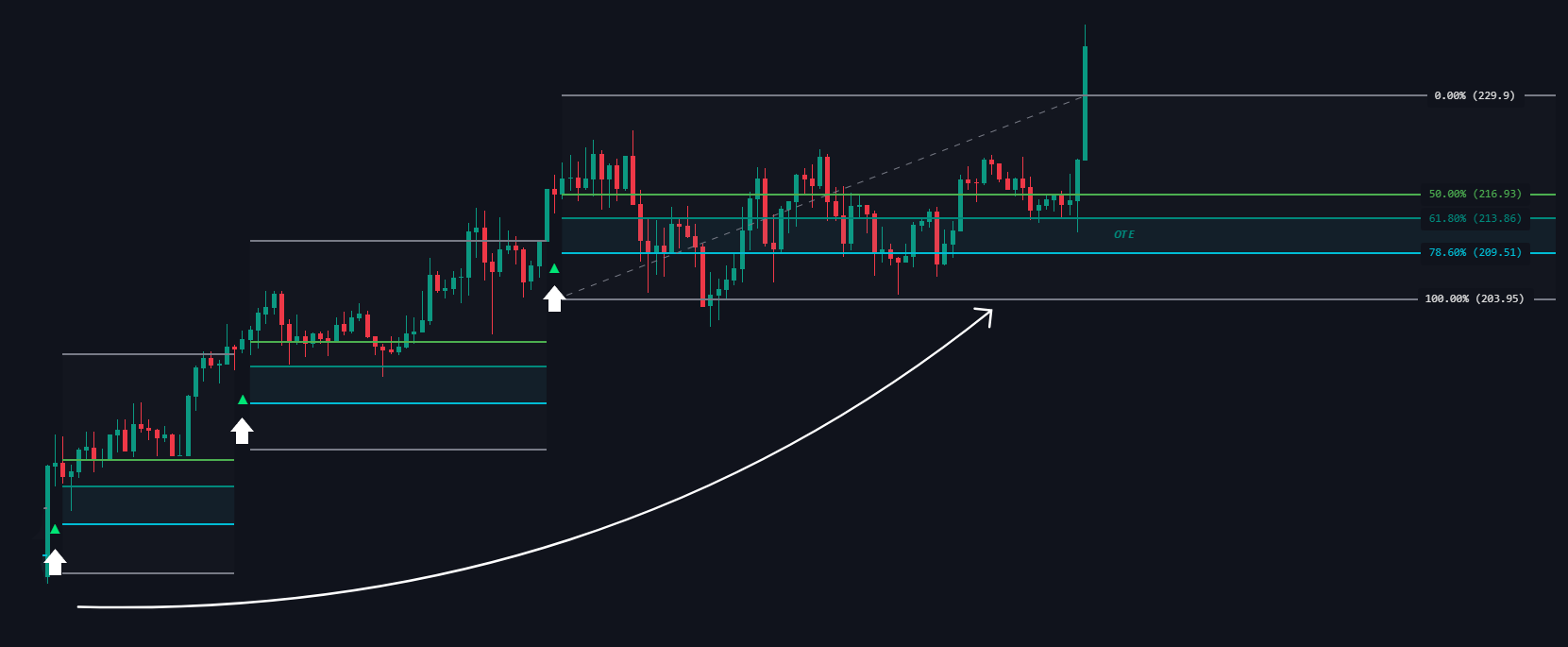
Uptrend:
After a break above a range, the OTE zone lies below the midpoint of the new range, suggesting a buy zone.
Uptrend
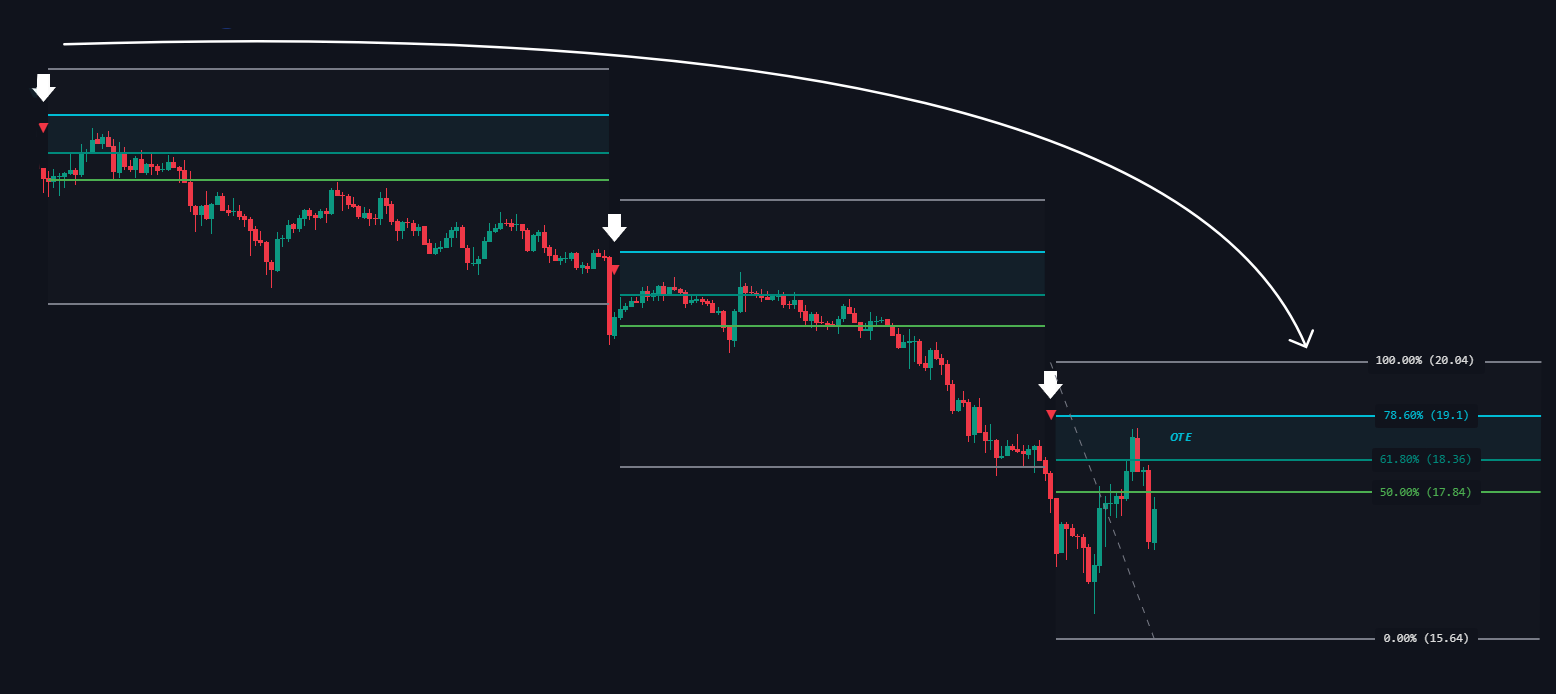
Downtrend:
After a break below, the OTE zone lies above the midpoint, suggesting a sell zone.
Downtrend
Labels
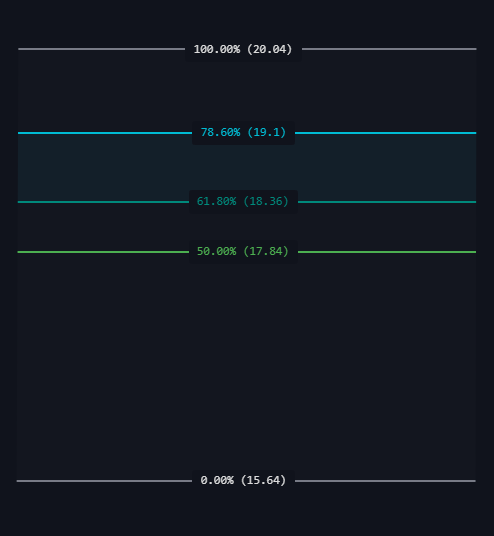
The indicator marks these Fibonacci levels with prices, making it easy to spot the OTE area for entries aligned with the trend.
Labels
Golden Pocket (61.8%–65% Zone)
The Golden Pocket is the most significant Fibonacci retracement zone, located between the 61.8% and 65% levels.
Premium and Discount
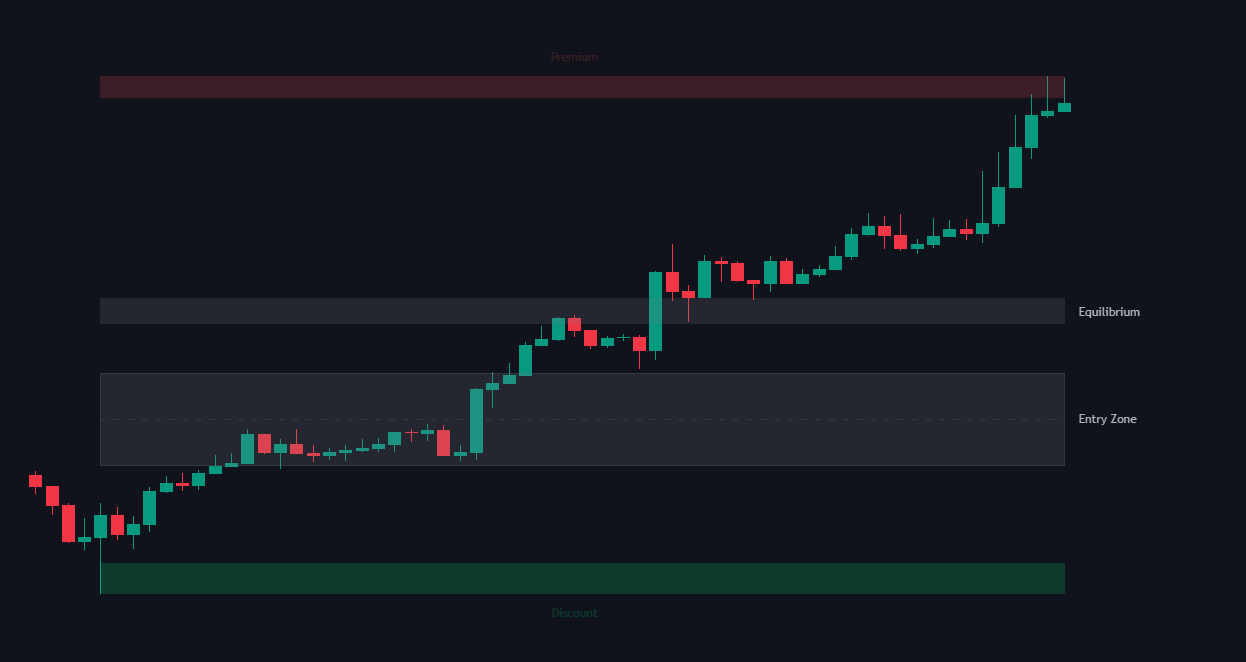
Premium & Discount
To understand Premium and Discount zones, it's essential to first grasp the concept of Equilibrium:
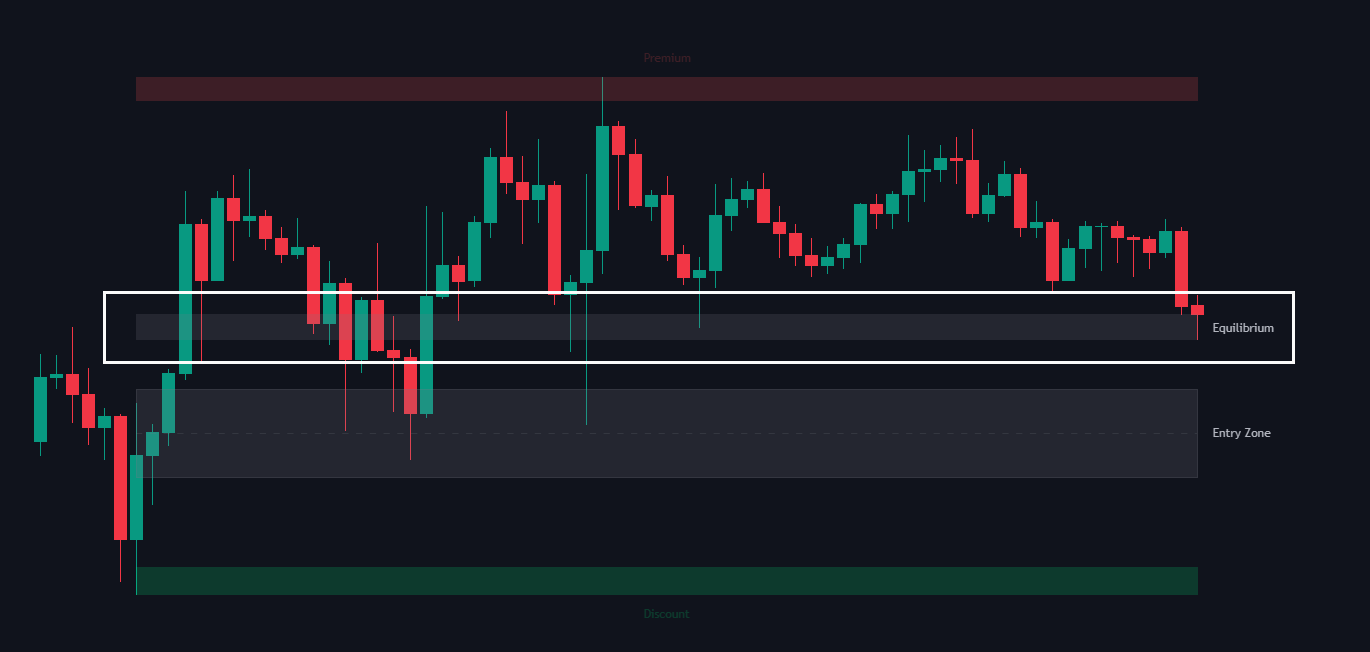
Equilibrium (Fair Value)
This is the midpoint of a selected price range, representing the "fair value" within that range. It serves as a reference point to determine whether the price is in a premium or discount zone.
Equilibrium
Premium Zone
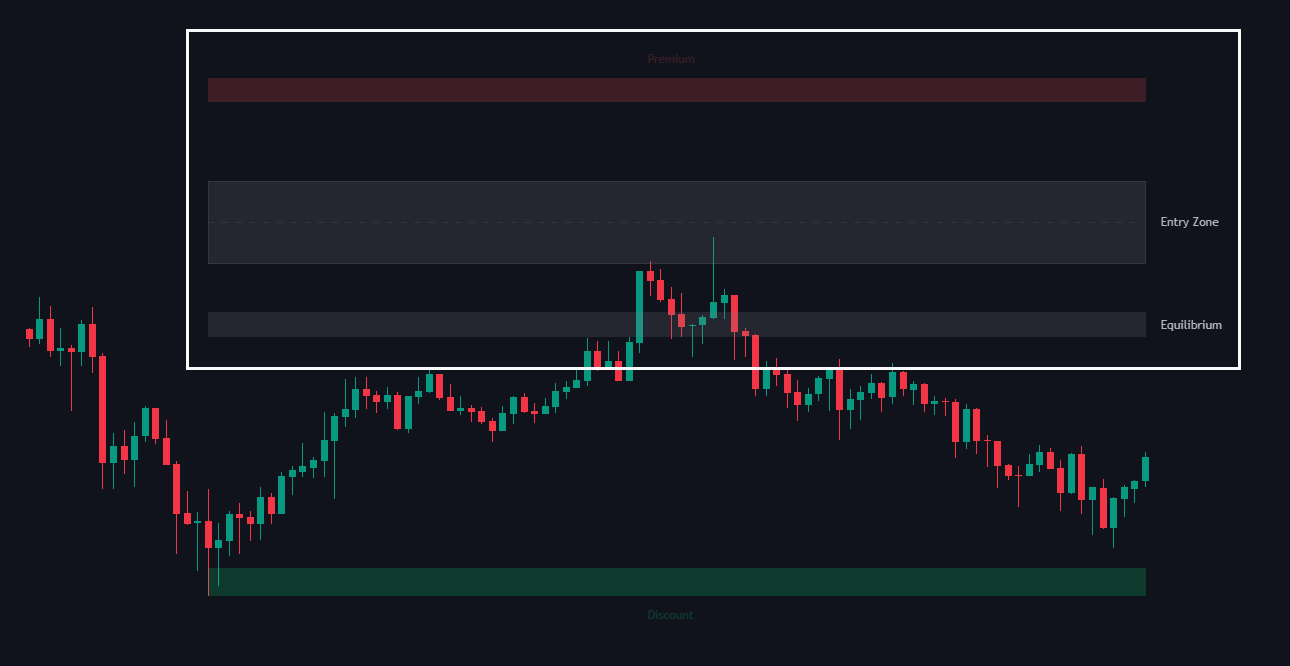
The area above the equilibrium. Prices in this zone are considered overvalued relative to the range.
Smart money and ICT (Inner Circle Trader) traders often look for sell opportunities in the premium zone, especially in a downtrend or after a significant upward movement.
Premium Zone
Discount Zone
The area below the equilibrium. Prices in this zone are considered undervalued. Traders typically look for buy opportunities here, especially in an uptrend or after a downward movement.
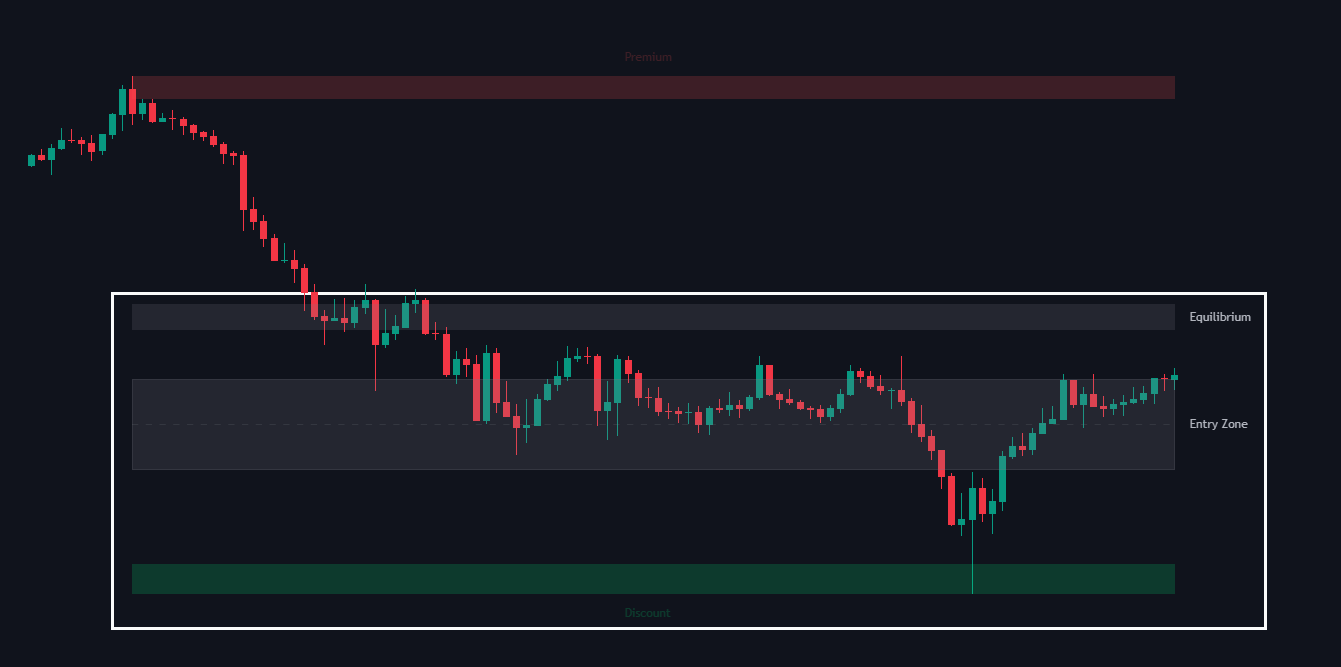
Discount Zone
Entry Zone
Marks the preferred area for entering a trade within the trend. In an uptrend, the entry zone lies in the discount zone below equilibrium; in a downtrend, it’s in the premium zone above equilibrium.
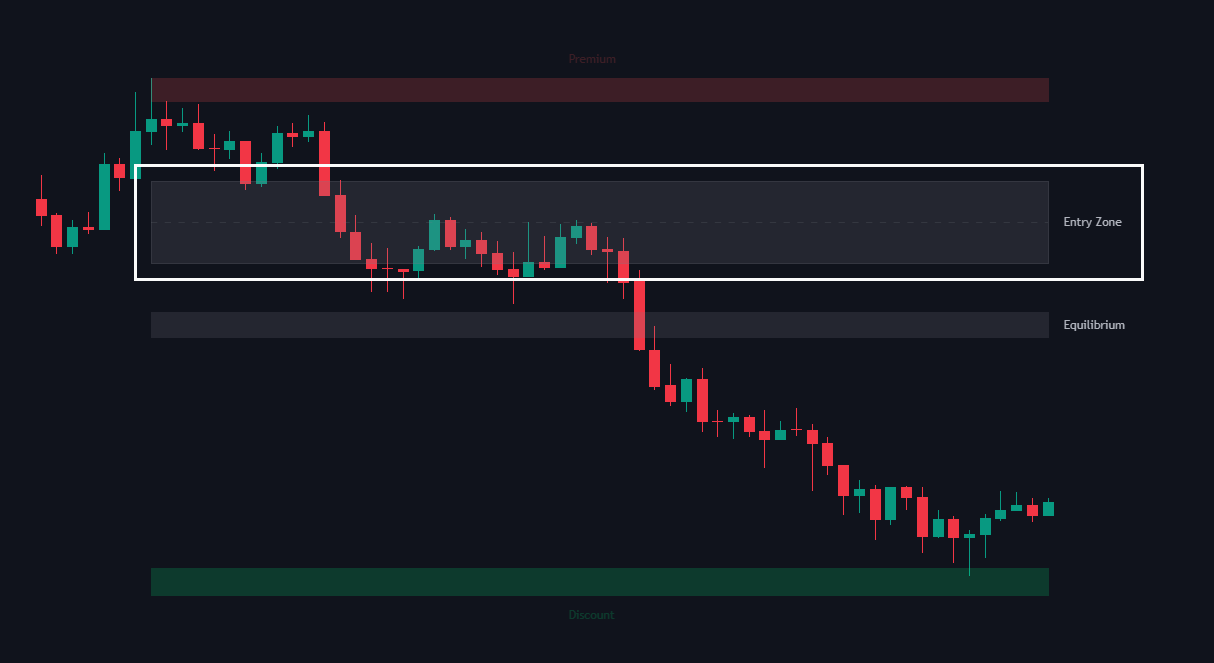
Entry Zone (Above)
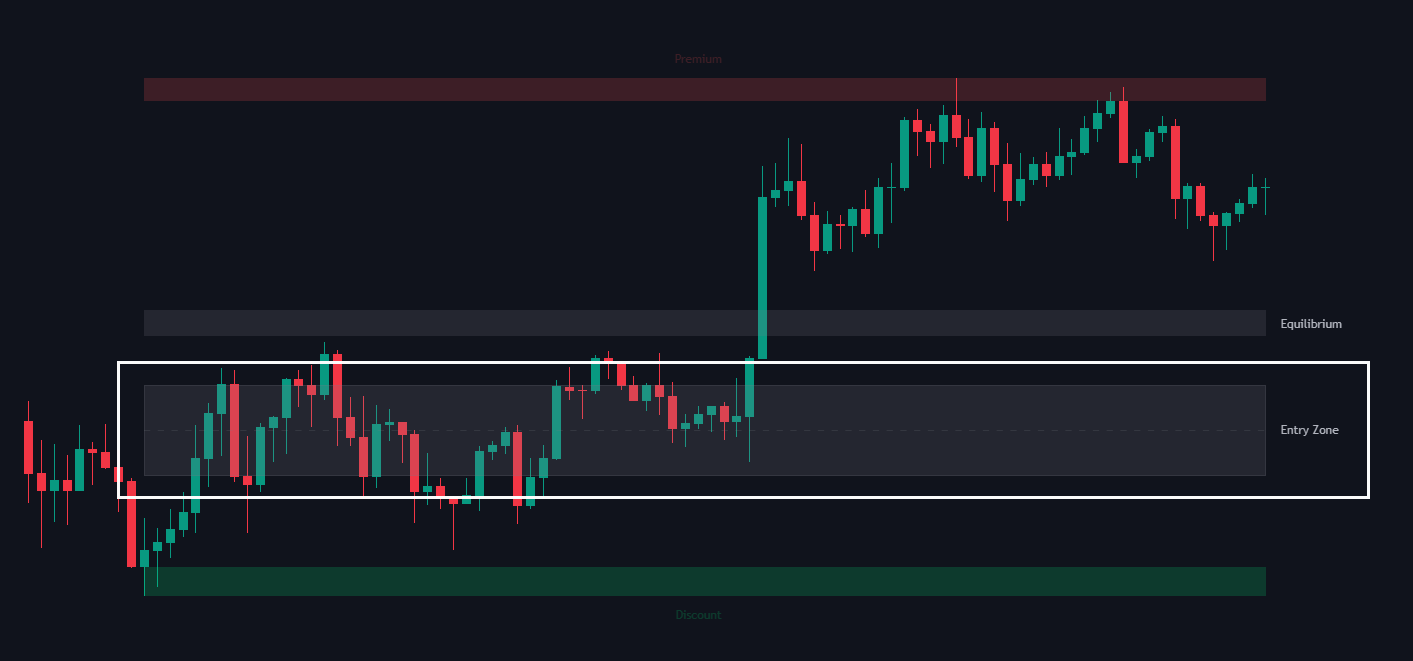
Entry Zone (Below)
Settings
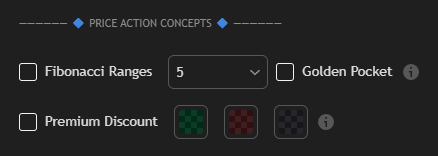
These settings allow traders to enable different price action-based tools within the indicator:
| Settings | Description |
|---|---|
| Fibonacci Ranges |
|
| Premium Discount |
|
