

 X
X Discord
 Instagram
 YouTube
 ChatGPT
Get Started
Follow the 5 steps below to get started
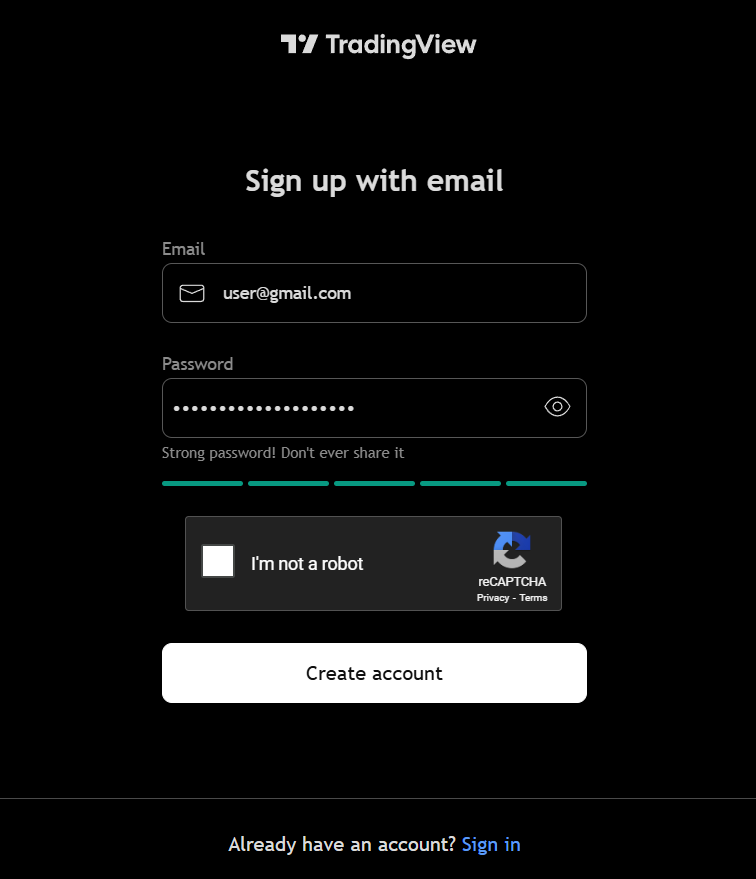
Create TradingView account
Ensure you have an account on TradingView.com [It's free!].
TradingView is the largest finance website globally used by traders all around the world for charting assets.
Don't worry! It's just a platform for looking at charts, you can trade anywhere you wish.
Sign up to BigBeluga
Sign up for BigBeluga at: https://bigbeluga.org
Select the Subscription Plan:
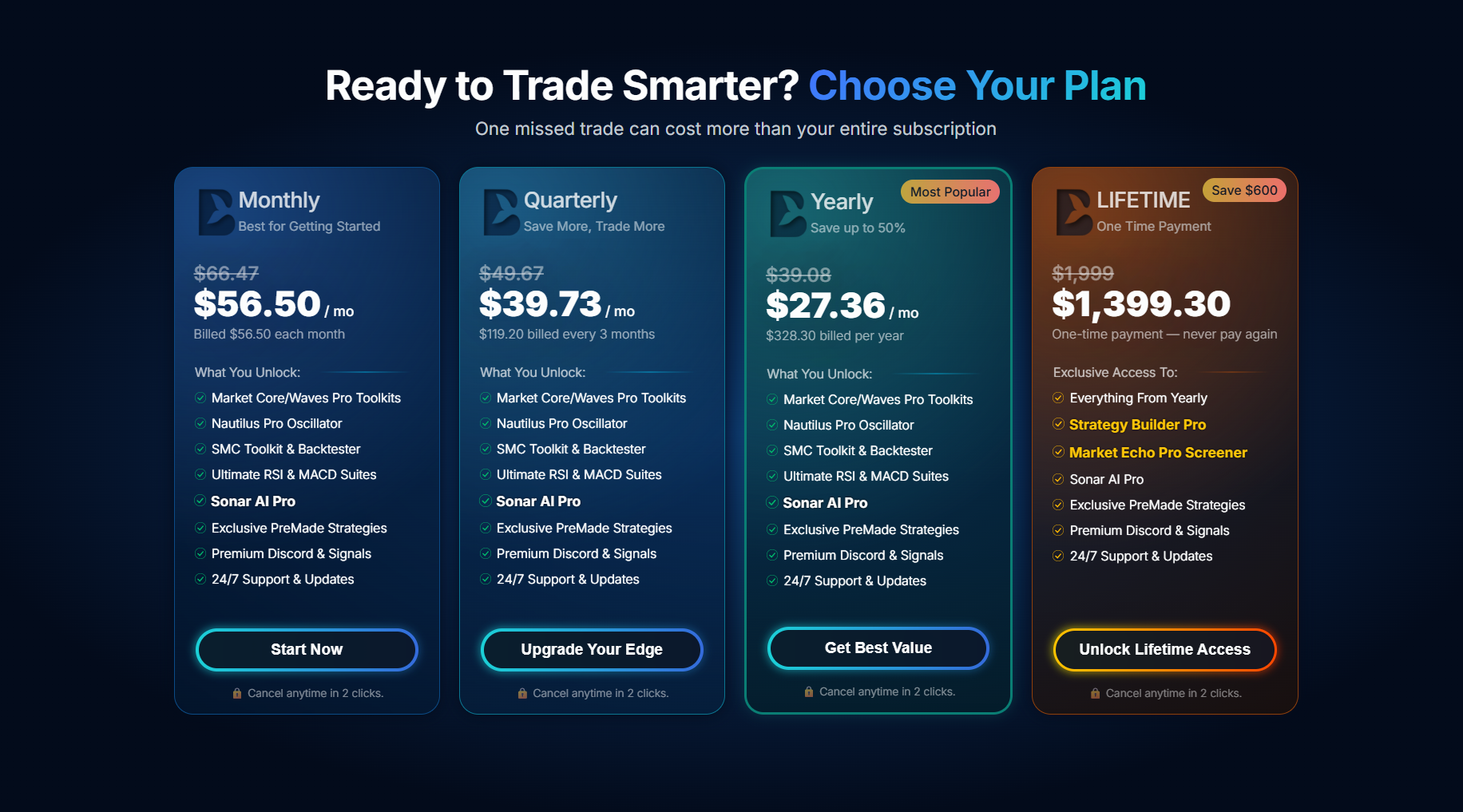
Select payment method and add your payment and account details
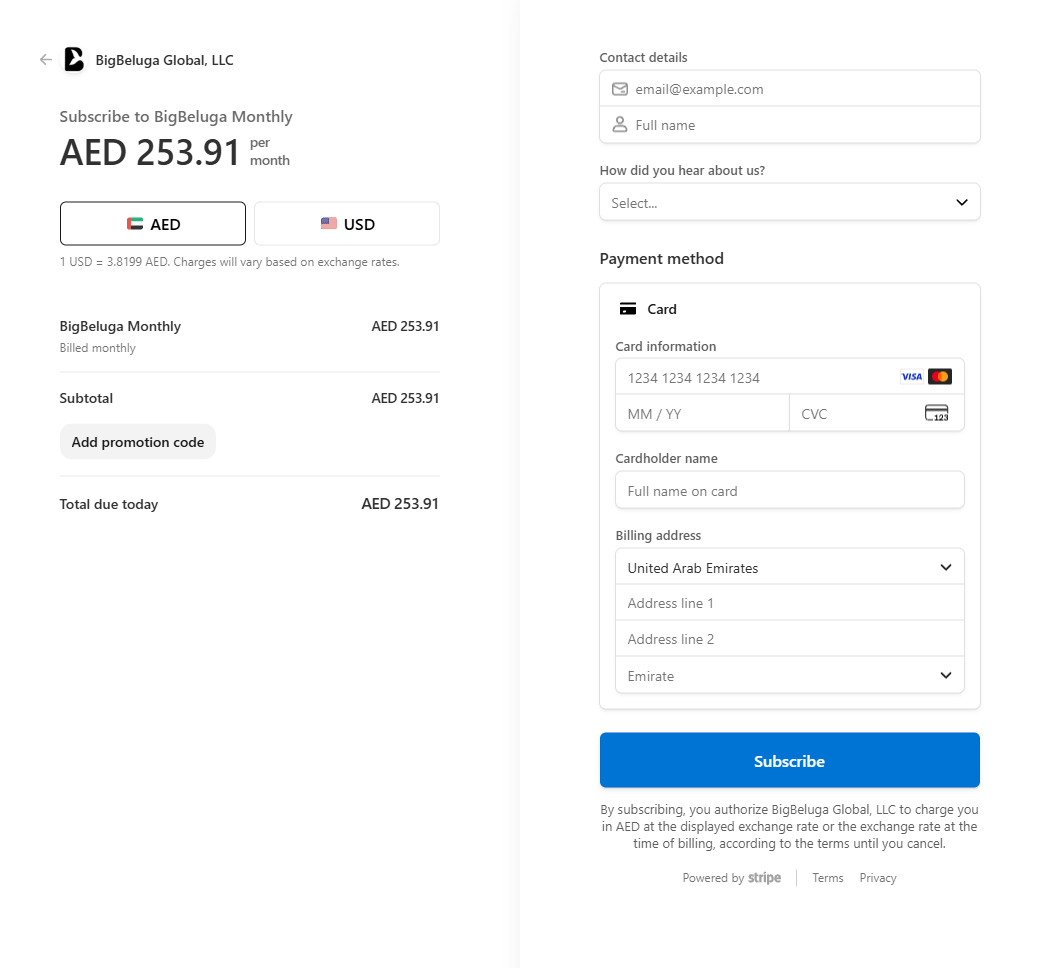
- Enter Payment details
- Pay with Card, Apple Pay, Google Pay, Amazon Pay, and other available methods in your country
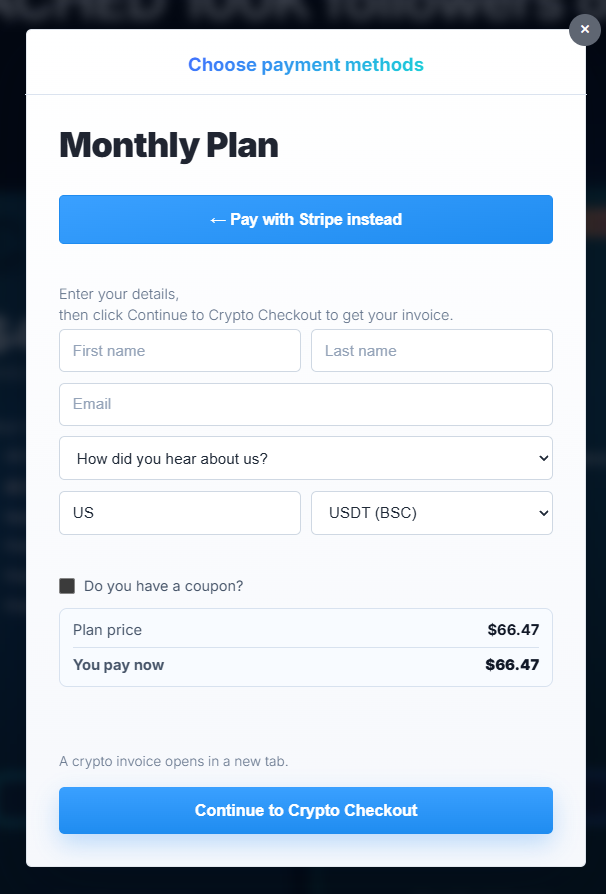
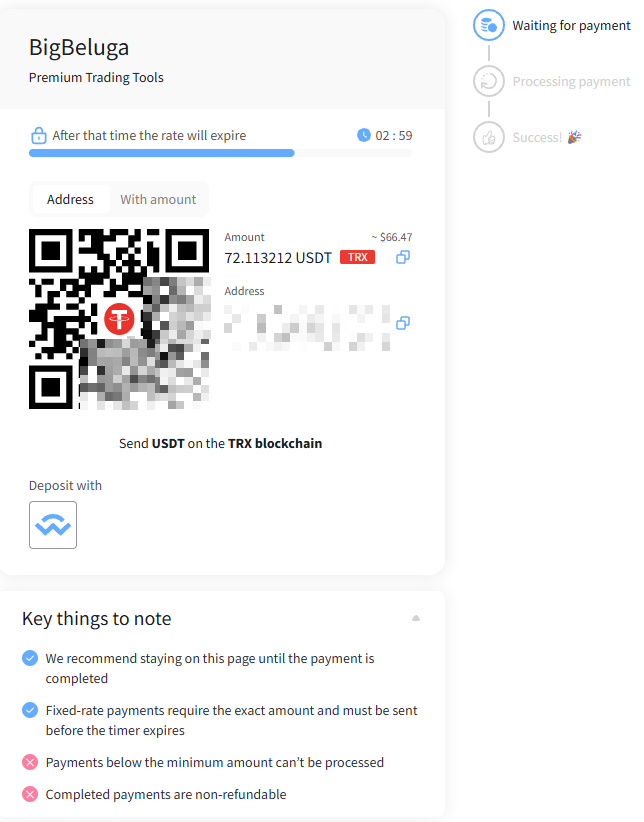
- Enter Payment details
- Pay with crypto
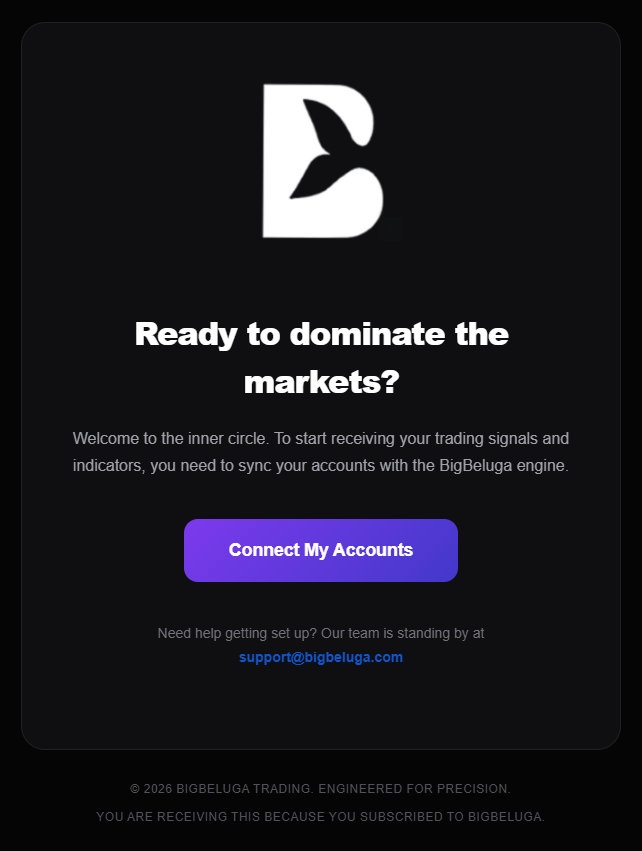
Receive Email
After subscribing, you will receive a confirmation email with access details.
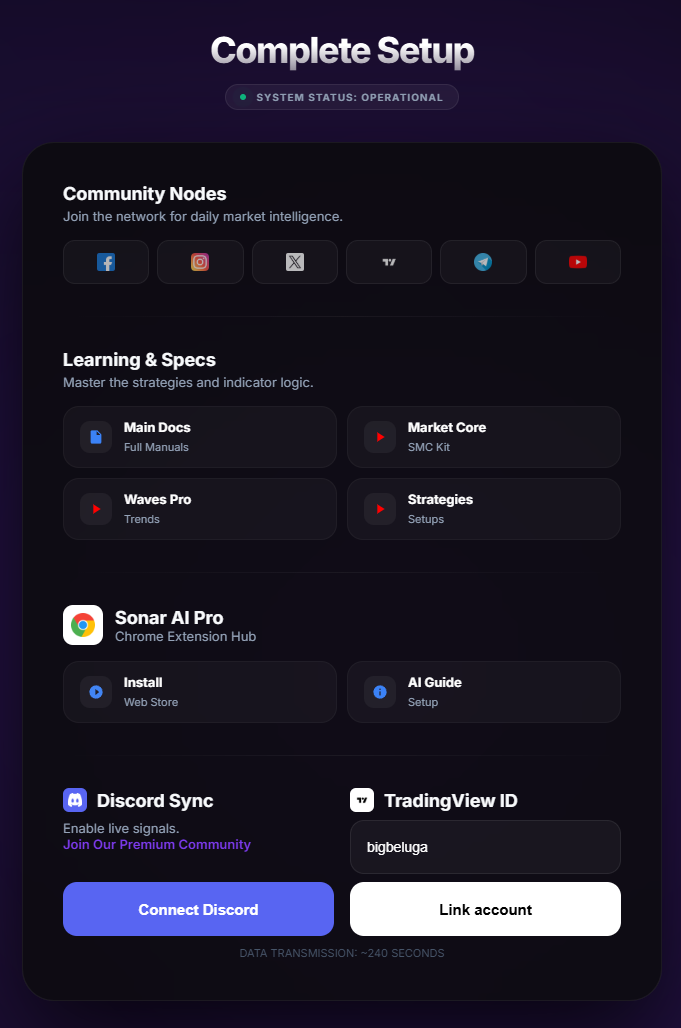
Connect your accounts!
Discord account if you wish but most importantly, enter your TradingView username at the bottom and click Link account.
Access to the premium indicators
You're all set!
Refresh your browser → open TradingView → navigate to your Invite-Only Scripts folder.
Your advanced indicators are now unlocked!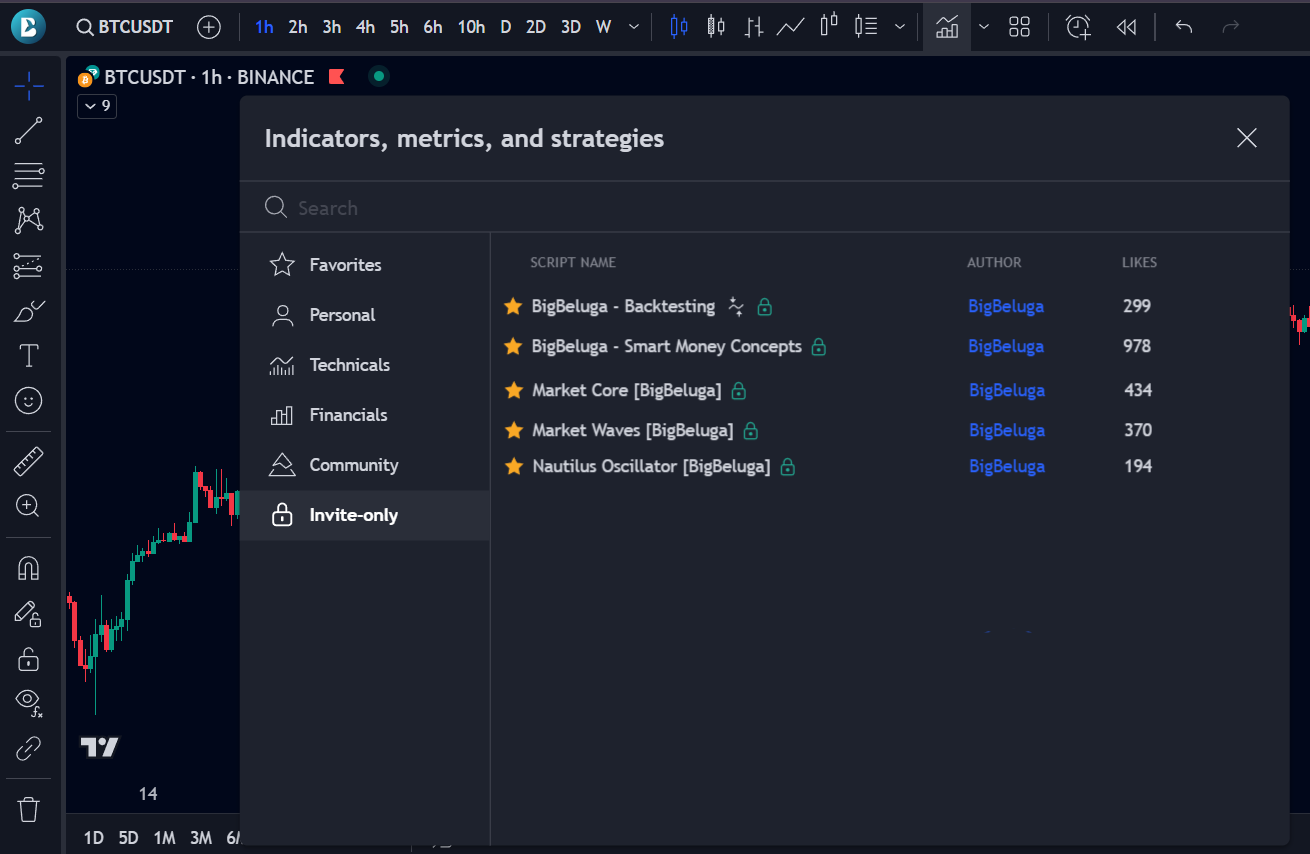
Explore the Documentation & Tutorials
Now that you have access to the indicators, it’s time to learn how to use them like a pro!
Head over to our Documentation where we break down each tool in detail — from core concepts. Prefer to watch and learn? Check out our YouTube Channel for in-depth tutorials.And don’t miss our Discord server — it’s where our pro traders hang out daily. You’ll find:
- Direct help from our team for any questions you have
- A dedicated channel with premium trading strategies using our indicators
- A vibrant community of like-minded traders
Make sure to take full advantage of all the educational content we’ve created to help you become a smarter, more confident trader.
