

 X
X Discord
 Instagram
 YouTube
 ChatGPT
Whale Alerts Panel
The Whale Alerts Panel is a newly integrated feature within the Sonar extension, designed to help traders monitor large on-chain transactions directly from the TradingView interface.
How to Access
The Whale Alerts panel is a premium feature.
- If not, you’ll need to subscribe to any of our four premium plans to enable it.
Click the “Get Premium Access” button. It will redirect you to the BigBeluga subscription page where you can choose a plan.
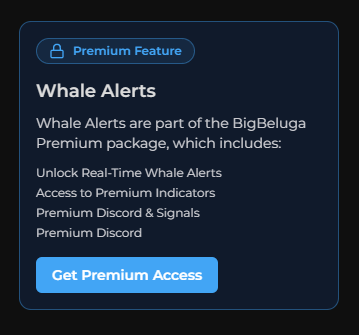
Table Columns & Data
The Whale Alerts table displays the following columns:
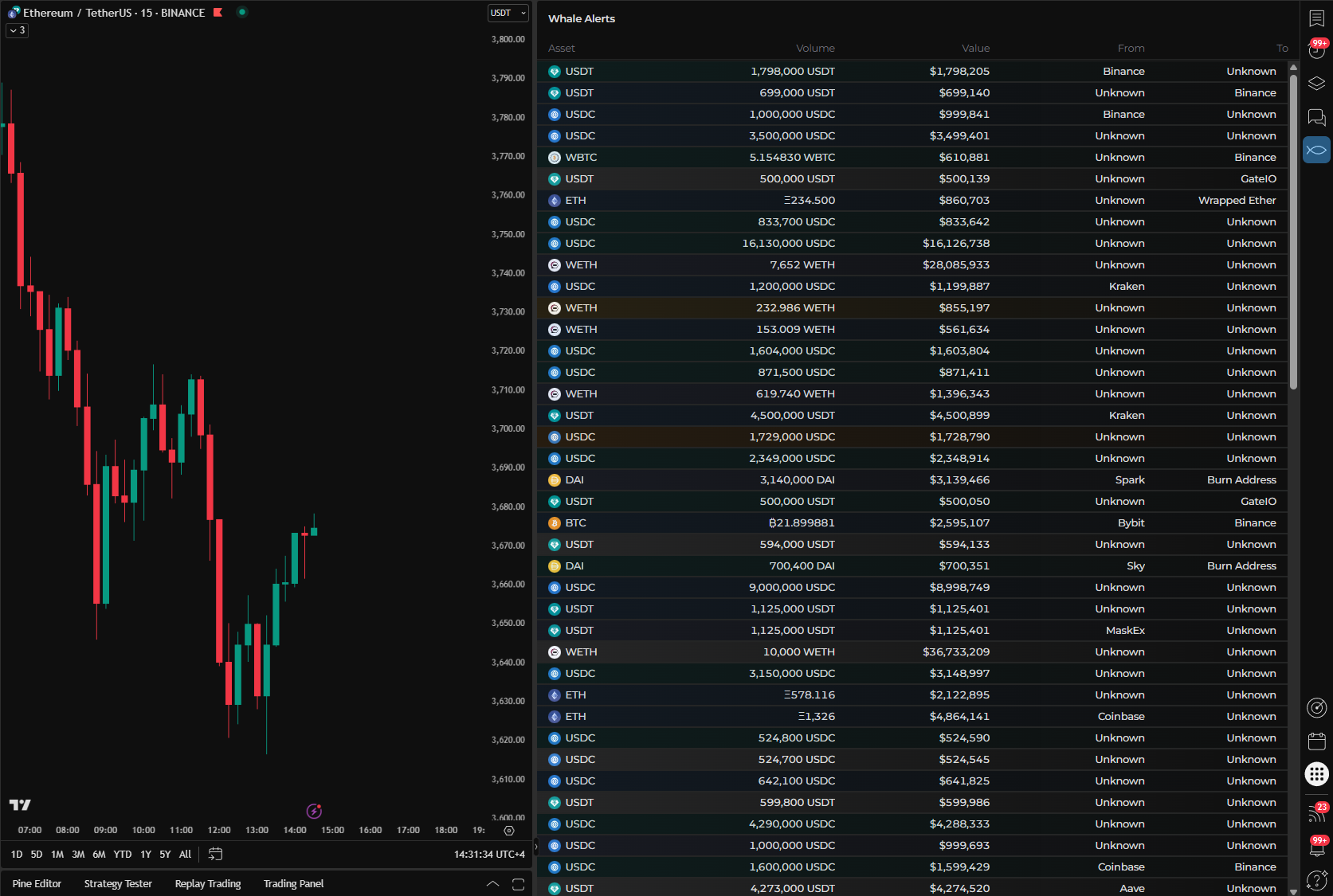
- Asset – The cryptocurrency involved in the transaction (e.g., USDT, ETH, WBTC).Volume –
- The amount of the asset that was transferred.
- Value (USD) – The equivalent value of the transaction in U.S. dollars.
- From – The sender wallet or exchange name (when available).
- To – The recipient wallet or exchange name (when available).
Live Data Feed
The panel updates continuously to reflect the most recent whale movements across major blockchains. This provides traders with timely insights into:
- Large inflows to or outflows from exchanges
- Potential accumulation or distribution events
- On-chain activity from high-value addresses
Use Cases
- Monitor smart money behavior
- Identify early signs of large market moves
- Track exchange-related activity (e.g., deposits or withdrawals)
This feature gives traders an additional edge by merging technical analysis with real-time blockchain intelligence — all from within the TradingView environment.
