

 X
X Discord
 Instagram
 YouTube
 ChatGPT
Order Blocks (OB)
Overview
The OB column tracks the interaction of price with verified institutional supply and demand zones where heavy market orders originally originated. It detects both the formation of new blocks and the mitigation test of existing ones.
Market Core OrderBlocks
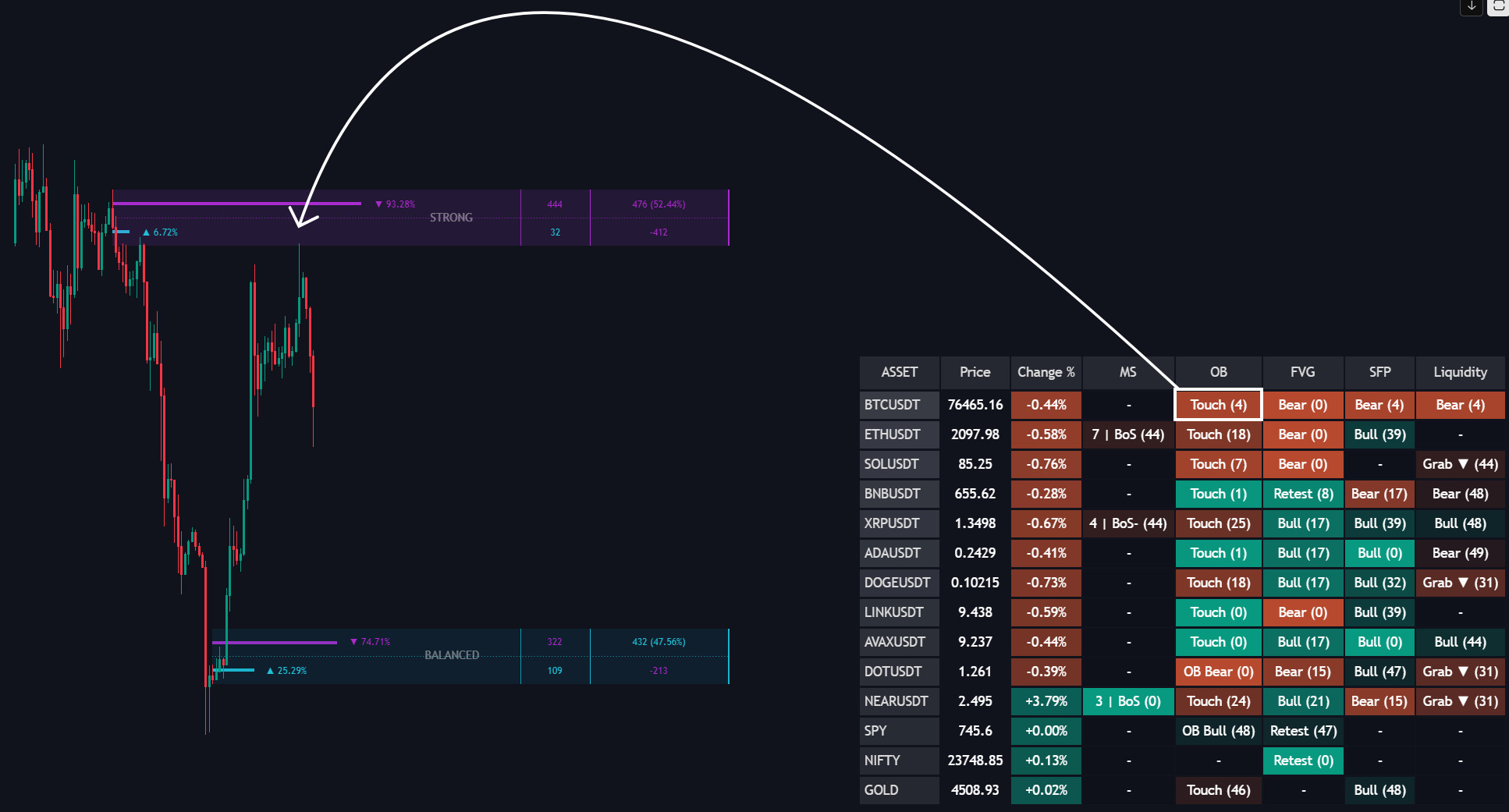
Table Values & States
- OB Bull: A brand new Bullish Order Block zone has successfully formed within the market structure.
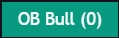
- OB Bear: A brand new Bearish Order Block zone has successfully formed within the market structure.

- Touch: Price has retraced back into a previously verified, unmitigated Order Block zone to collect resting liquidity.
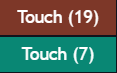
- (# bars ago): Shows the exact age of the block creation or retest event.
- Dash
-: Price is currently trading in neutral space, completely outside tracked institutional supply or demand levels.
Interface Visuals
- Teal Cells: Bullish order block activity (institutional buying footprint or a long zone retest).
- Red Cells: Bearish order block activity (institutional selling footprint or a short zone retest).
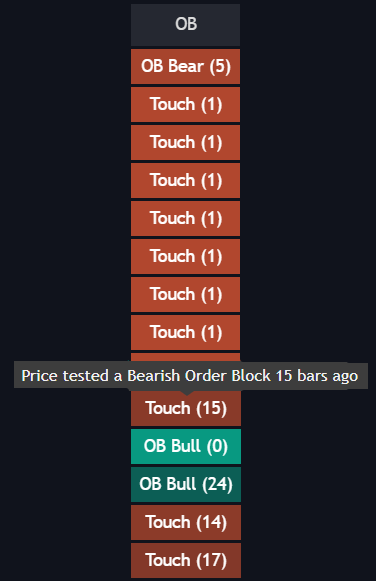
- Tooltips: Hovering reveals precise history:
New [Bullish/Bearish] Order Block formed [X] bars agoorPrice tested a [Bullish/Bearish] Order Block [X] bars ago.
How to Use It
- The SFP + OB Touch Combo: A teal Touch cell marks a retest of a demand zone. If the MS column is bullish, read this as a bullish confluence condition to review alongside your own rules.
- Avoid No-Man's Land: If the OB column shows a simple dash
-, it means price is floating in retail noise. Keep your hands off the asset and wait until the screener alerts you that a fresh block has formed or an old one is being tested.
