

 X
 Discord
 Instagram
 YouTube
 ChatGPT
Trend Sync
Every other row measures the moment. Trend Sync measures the backdrop. It is the slow row of the Nautilus Mean Reversion Screener: the only one that describes the structure an asset is trading inside rather than the event that just printed.
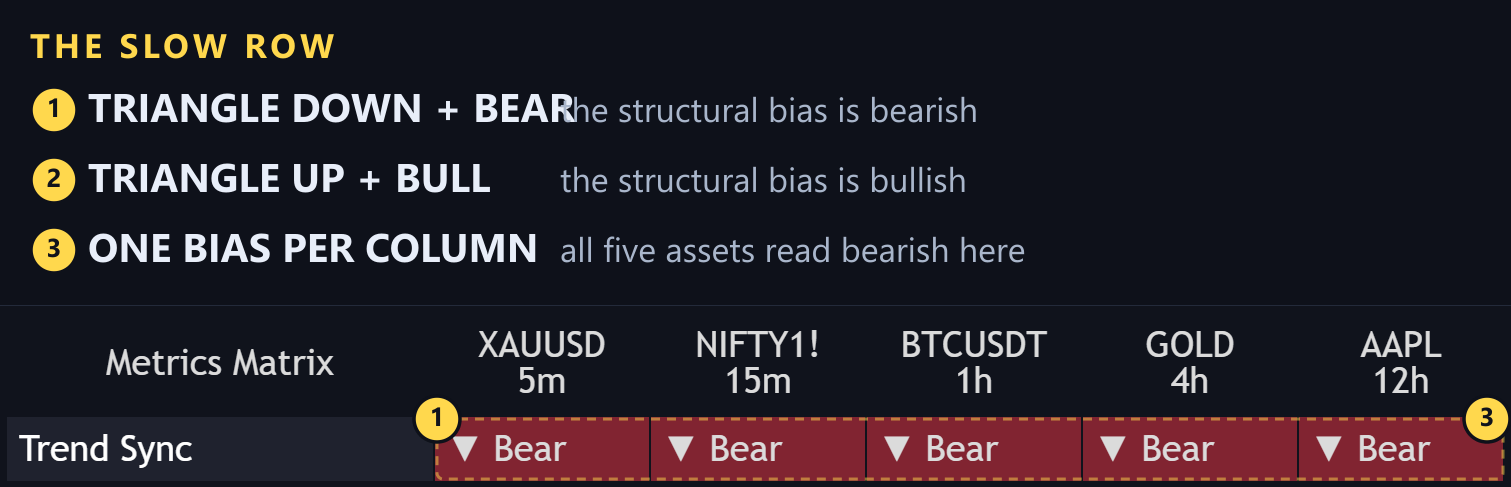
What it reads
Trend Sync is a multi-factor ranking engine. It weighs several structural readings of the asset and returns one verdict:
- ▲ Bull — the broader bias is bullish
- ▼ Bear — the broader bias is bearish
It is deliberately slower than the signal row. That is the point: it tells you which side of the market you are on while the fast rows tell you what just happened.
Why it belongs next to the signals
A mean reversion buy inside a bullish bias is a pullback entry. The same buy inside a bearish bias is a knife catch. The signal looks identical in the matrix — only the Trend Sync row separates them.
| Signal | Trend Sync | Reading |
|---|---|---|
| BUY | ▲ Bull | Pullback inside an uptrend, the cleaner setup |
| BUY | ▼ Bear | Counter-trend attempt against the structure |
| SELL | ▼ Bear | Pullback inside a downtrend, the cleaner setup |
| SELL | ▲ Bull | Counter-trend attempt against the structure |
That four-way split is the fastest way to sort a full table: read the signal row, glance at Trend Sync, and you already know which half of the candidates are worth the time.
Turning it off
Trend Sync has its own toggle. Switch it off when you deliberately trade against structure — for example when you scan a range-bound basket where the bias is noise. Otherwise leave it on; one extra row is a small price for knowing which side you are on.
The Trend Sync alert toggle fires when this row flips on any tracked asset.
