
 X
X Discord
 Instagram
 YouTube
 ChatGPT
Get Started
Go to official extension page: Click here
Click the blue “Add to Chrome” button.

A popup will appear. Click “Add extension” to confirm.
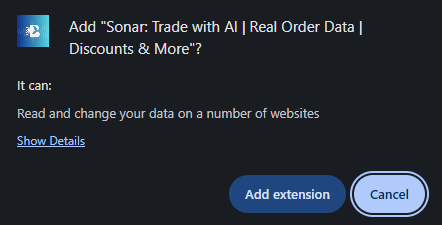
Once installed, the extension will be added to your browser.
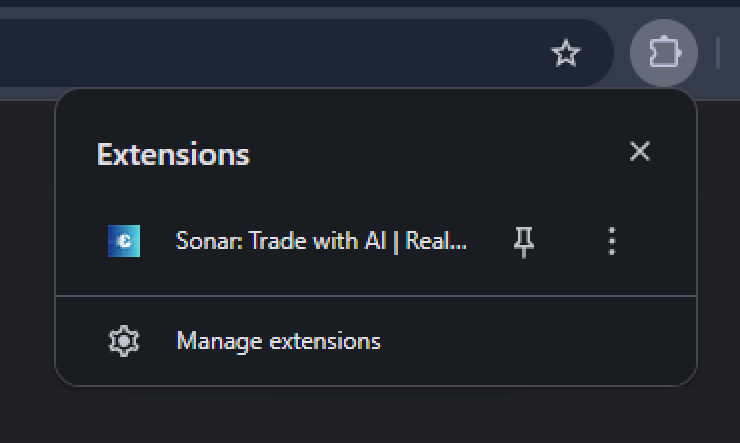
Click the puzzle icon (🧩) in the top-right corner of Chrome to open the Extensions tab.
Find BigBeluga Sonar Extension in the list. Click the pin icon 📌 next to it to keep it visible in your toolbar.
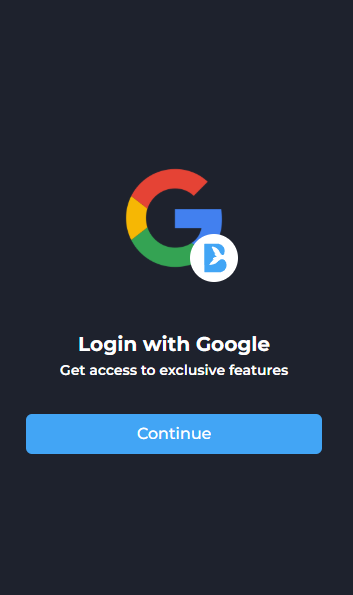
Log In with Google
Click “Continue” and select your Google account to sign in.
This unlocks access to premium tools, AI chat, referrals, and customization features.