> For the complete documentation index, see [llms.txt](https://docs.bigbeluga.org/llms.txt).
> Markdown versions of documentation pages are available by appending `.md` to page URLs; this page
> is available as [Markdown](https://docs.bigbeluga.org/toolkits-pro-plus/nautilus-pro.md).

# NAUTILUS PRO+

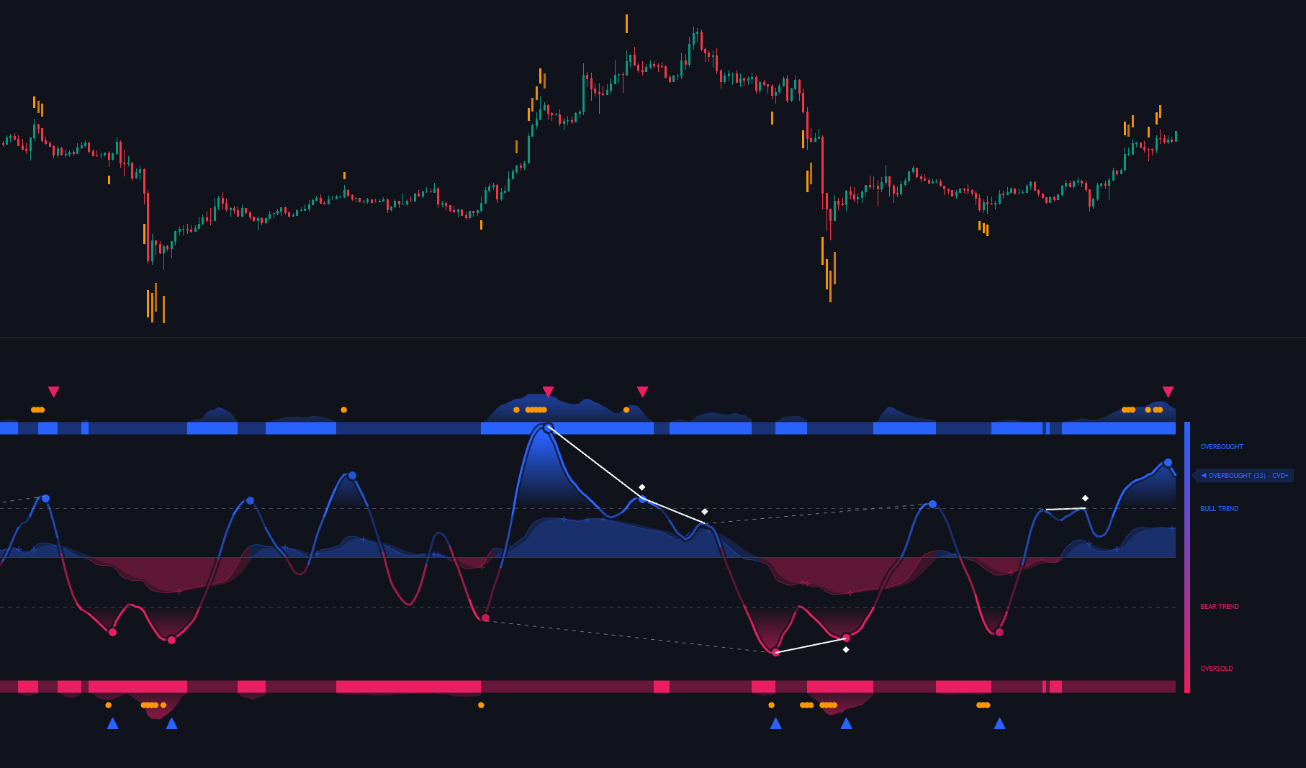
<div data-with-frame="true"><figure><img src="/assets/pro-plus-nautilus-hero.png" alt=""><figcaption>The Nautilus PRO+ pane: wave engine, momentum cloud, rolling CVD bands, divergences and the exhaustion zones projected onto price</figcaption></figure></div>

Nautilus PRO+ fuses a proprietary wave engine, a rolling Cumulative Volume Delta confluence system
and a momentum cloud into a single oscillator pane.

*A classic oscillator only measures how fast price is moving. Nautilus PRO+ also shows whether that
move is backed by volume aggression, whether momentum is expanding or fading, and whether price and
pressure have started to disagree.*

That combination is what turns a momentum reading into a trading decision. The zone, the cloud and
the bands all come from the same engine, so they never contradict each other.

---

### Nautilus PRO+ Features

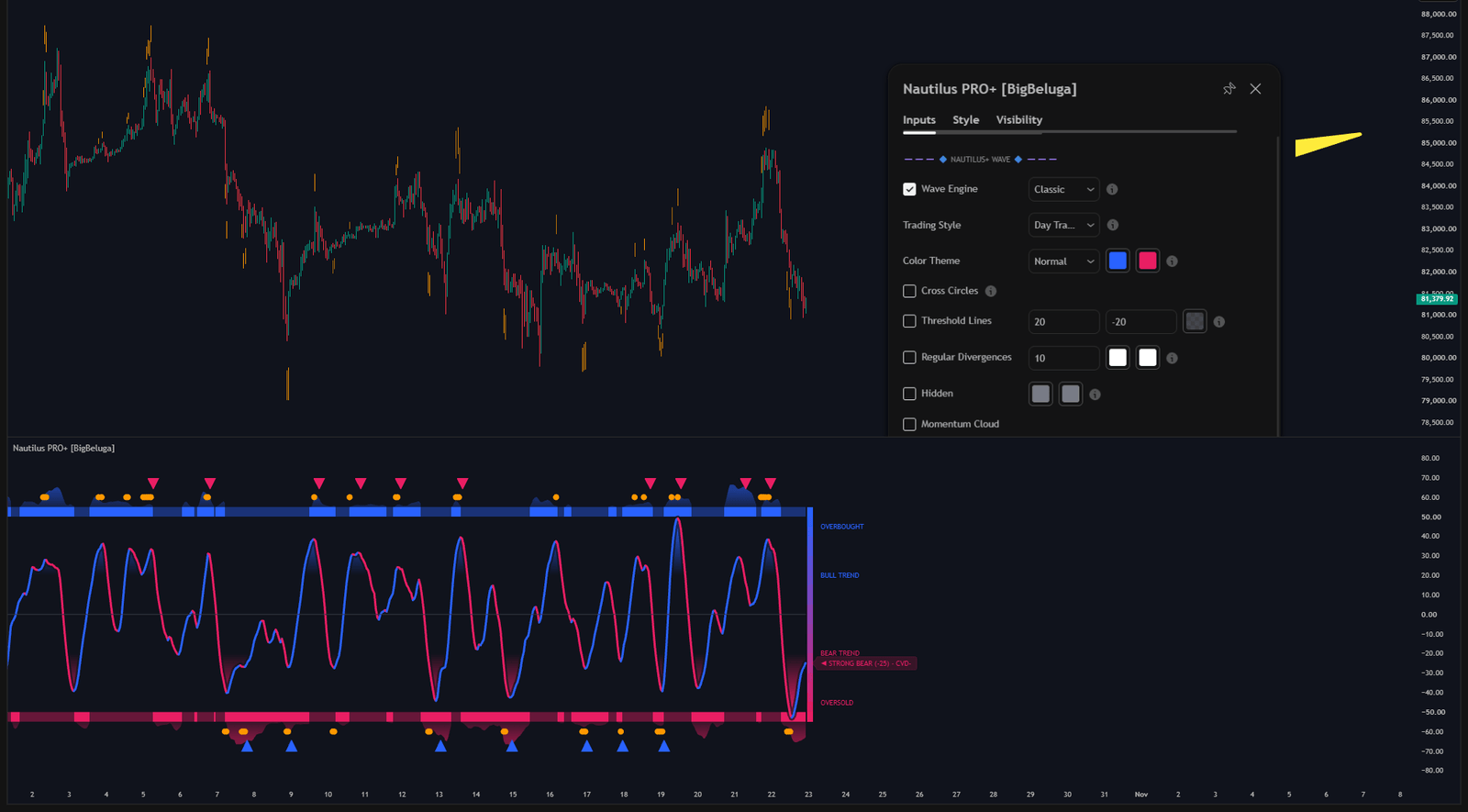
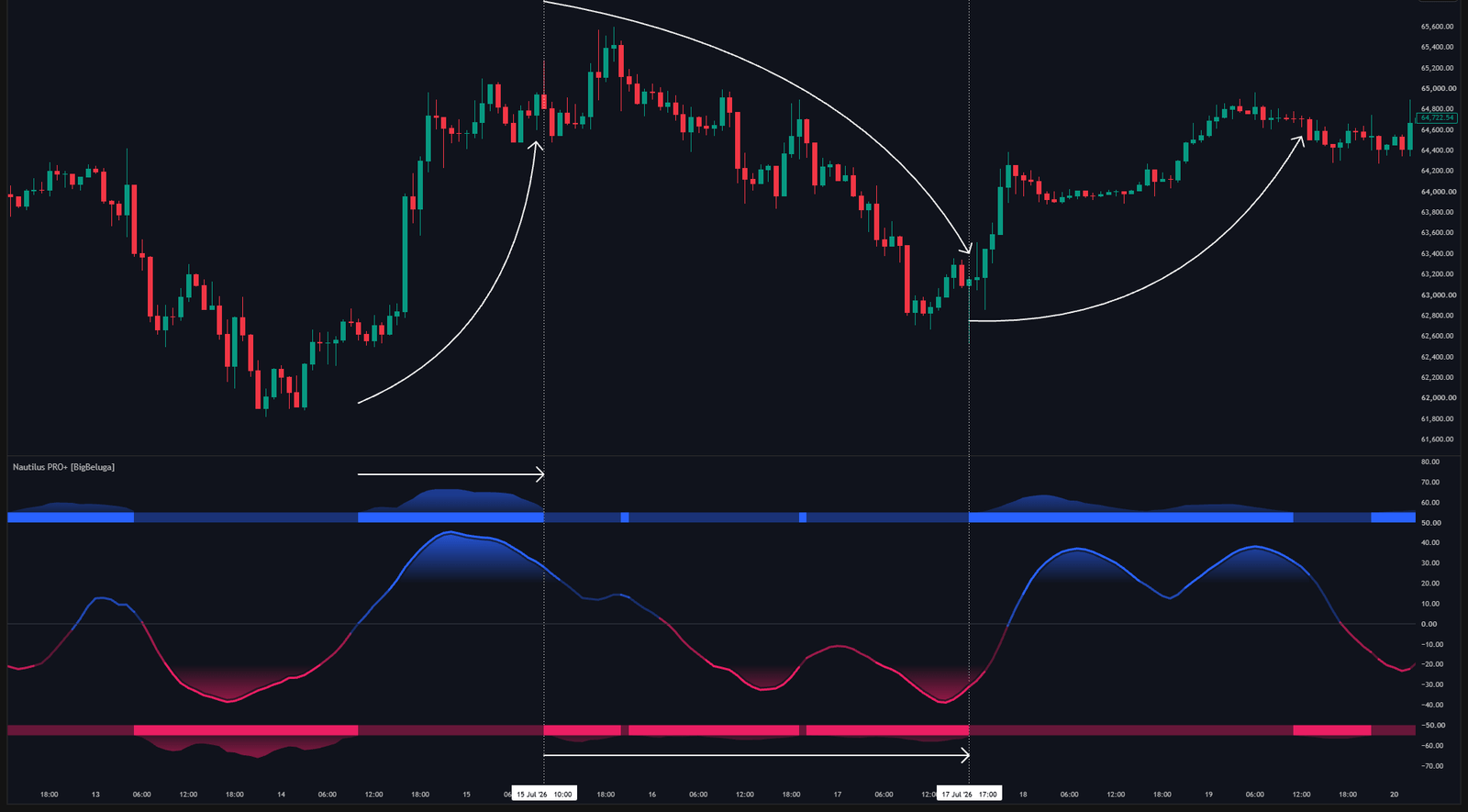
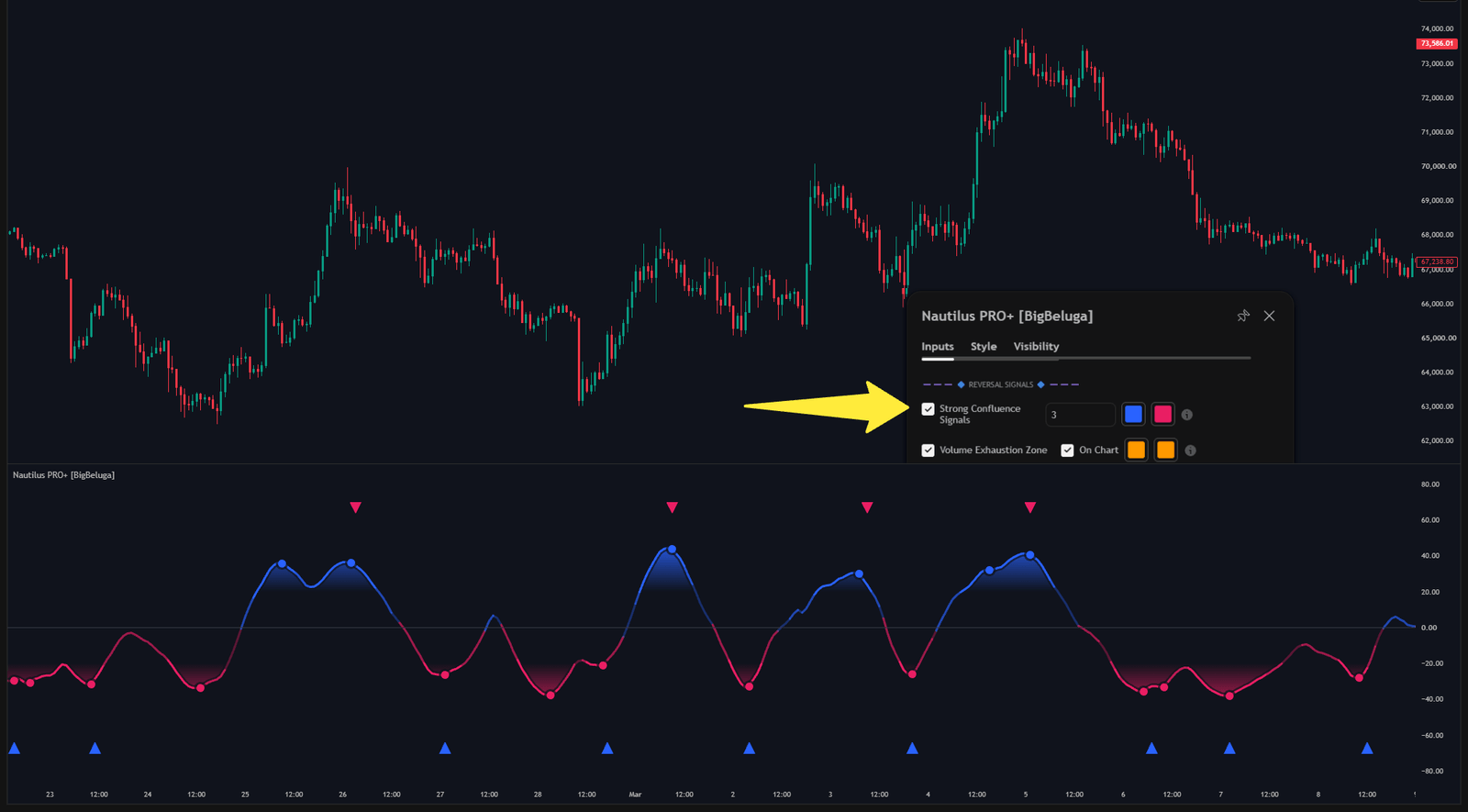
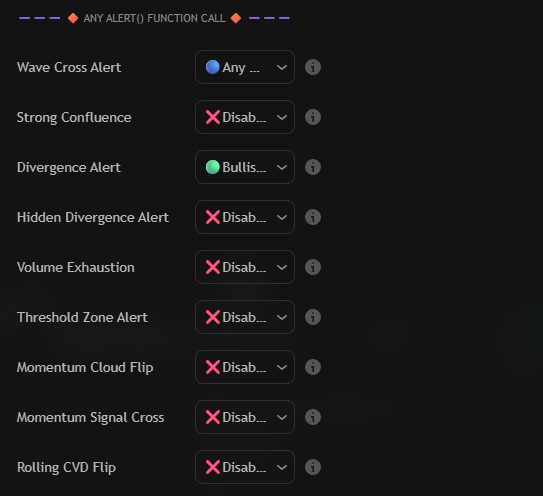
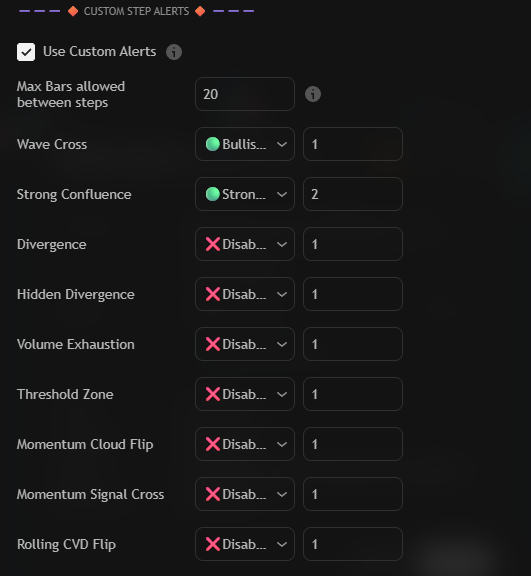
<table data-view="cards"><thead><tr><th data-type="content-ref"></th><th data-hidden data-card-cover data-type="image">Cover image</th><th data-hidden data-card-target data-type="content-ref"></th></tr></thead><tbody><tr><td><a href="/toolkits-pro-plus/nautilus-pro/wave-engine.md">Nautilus+ Wave Engine</a></td><td><a href="/assets/pro-plus-nautilus-wave-engine.png">image.png</a></td><td><a href="/toolkits-pro-plus/nautilus-pro/wave-engine.md">Nautilus+ Wave Engine</a></td></tr><tr><td><a href="/toolkits-pro-plus/nautilus-pro/cvd-bands.md">Confluence & CVD Bands</a></td><td><a href="/assets/pro-plus-nautilus-cvd-bands.png">image.png</a></td><td><a href="/toolkits-pro-plus/nautilus-pro/cvd-bands.md">Confluence & CVD Bands</a></td></tr><tr><td><a href="/toolkits-pro-plus/nautilus-pro/reversals.md">Reversals & Volume Exhaustion</a></td><td><a href="/assets/pro-plus-nautilus-reversals.png">image.png</a></td><td><a href="/toolkits-pro-plus/nautilus-pro/reversals.md">Reversals & Volume Exhaustion</a></td></tr><tr><td><a href="/toolkits-pro-plus/nautilus-pro/any-alert-function-call.md">Any alert() Function Call</a></td><td><a href="/assets/pro-plus-nautilus-alert-modes.png">image.png</a></td><td><a href="/toolkits-pro-plus/nautilus-pro/any-alert-function-call.md">Any alert() Function Call</a></td></tr><tr><td><a href="/toolkits-pro-plus/nautilus-pro/custom-step-alerts.md">Custom Step Alerts</a></td><td><a href="/assets/pro-plus-nautilus-custom-step-controls.png">image.png</a></td><td><a href="/toolkits-pro-plus/nautilus-pro/custom-step-alerts.md">Custom Step Alerts</a></td></tr></tbody></table>

---

For the oscillator modules explained one by one, continue with the
[Nautilus Oscillator Pro™](/main-toolkits/nautilus-oscillator-pro-tm) documentation.