> For the complete documentation index, see [llms.txt](https://docs.bigbeluga.org/llms.txt). Markdown versions of documentation pages are available by appending `.md` to page URLs; this page is available as [Markdown](https://docs.bigbeluga.org/main-toolkits/market-waves-pro-tm/trendmagnet.md).
# TrendMagnet
The first indicator of its kind. Follow trends and ranges WITHOUT cluttering your charting space.
TrengMagnet is a sophisticated trend detection algorithm designed to filter out market noise, highlight dominant trend direction, and detect early signs of momentum exhaustion.
It combines a main trend-following band with triple-line markers that signal the strength or weakness of the current move.
##
## **Dynamic Trend Band**
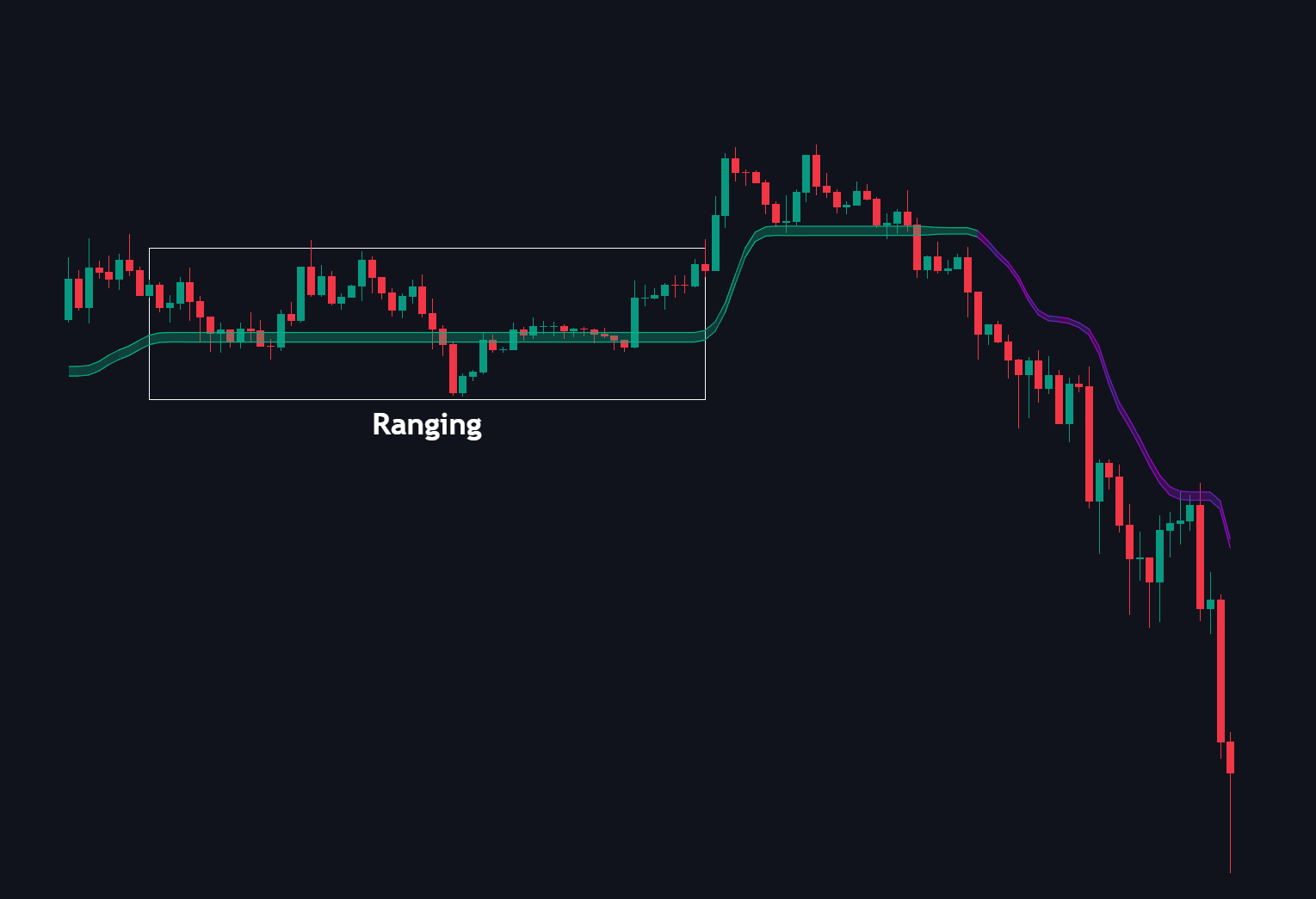
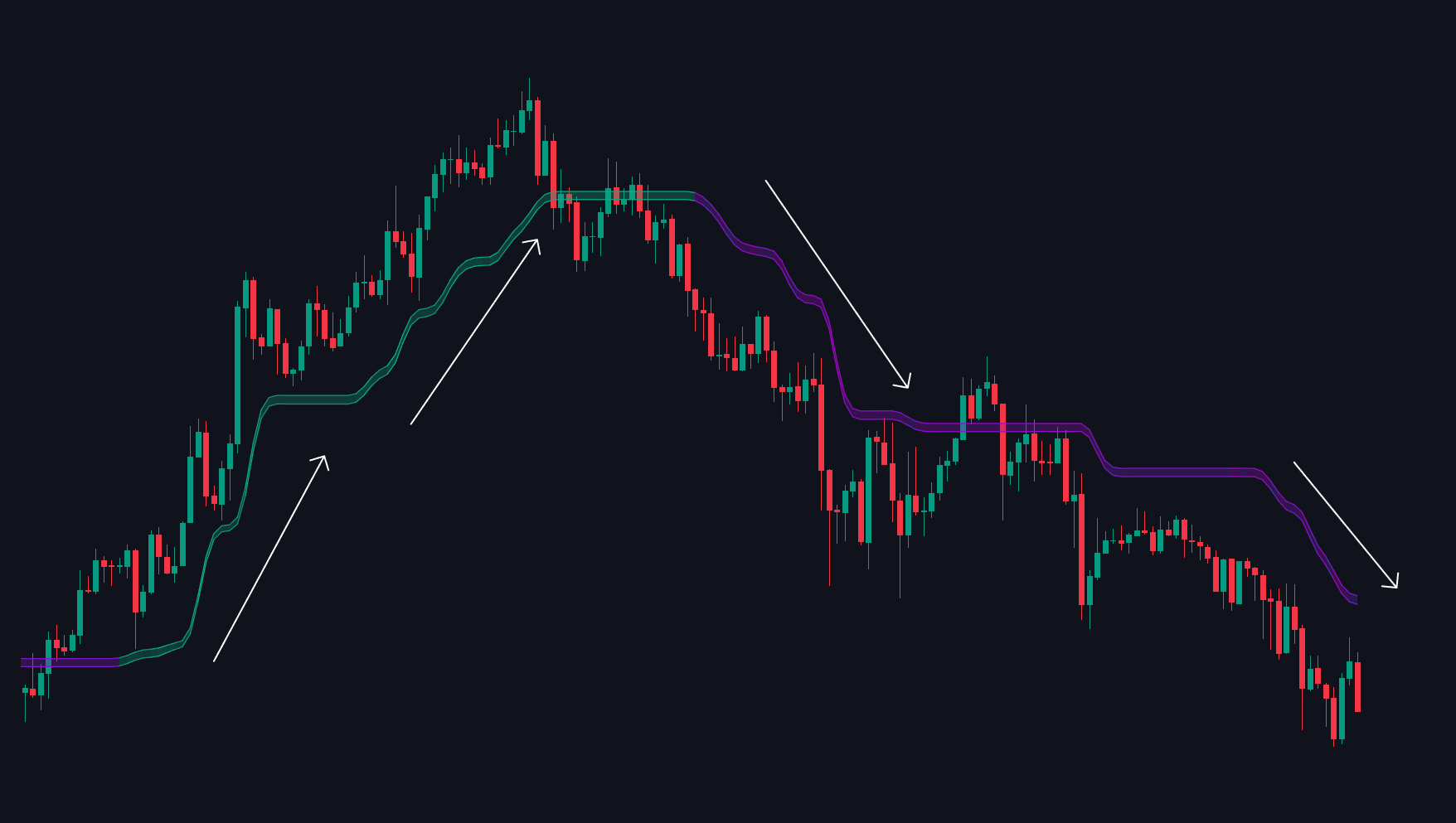
Smoothly follows trend direction and turns flat during consolidation, helping traders distinguish between trending and ranging conditions.
TrendMagnet Band
Sharp slopes in the band confirm strong directional movement, while flat zones signal uncertainty or sideways behavior.
{% hint style="info" %}
The algorithm reduces reaction to short-term spikes, providing a cleaner representation of trend evolution.
{% endhint %}
##
## Trend Detection Modes
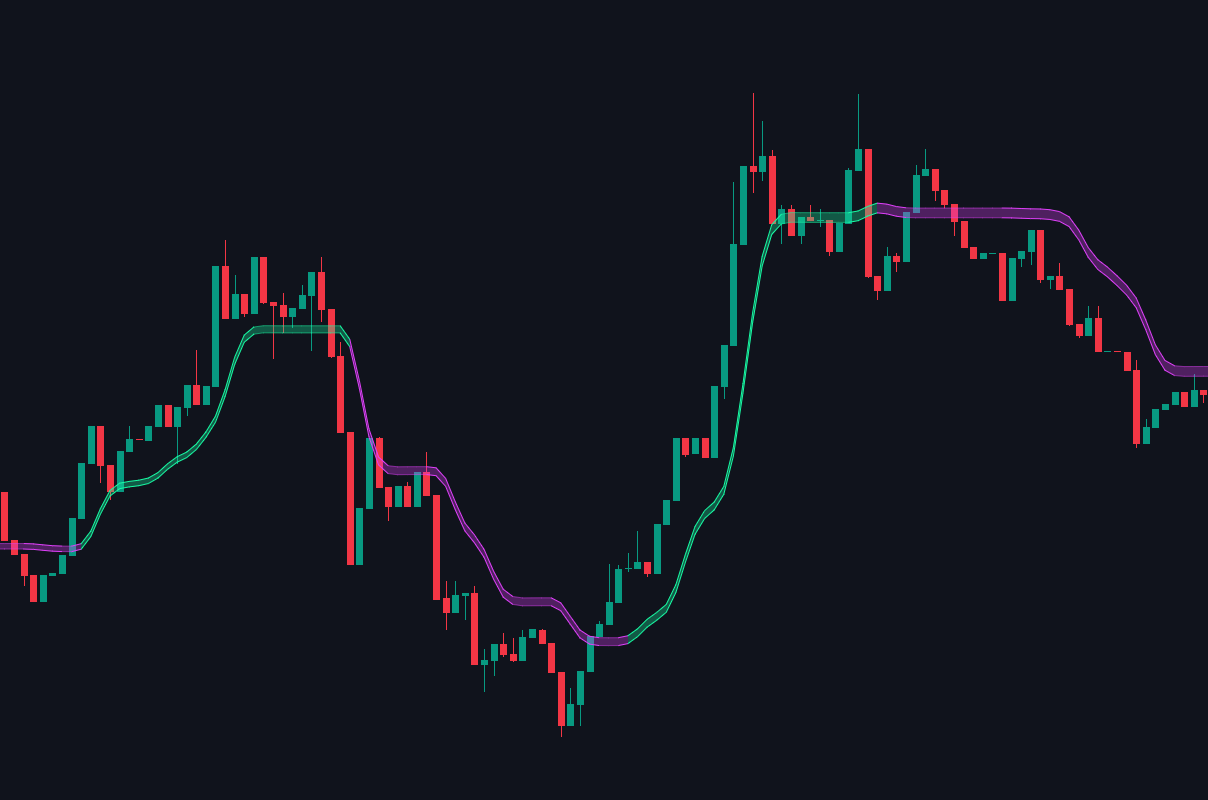
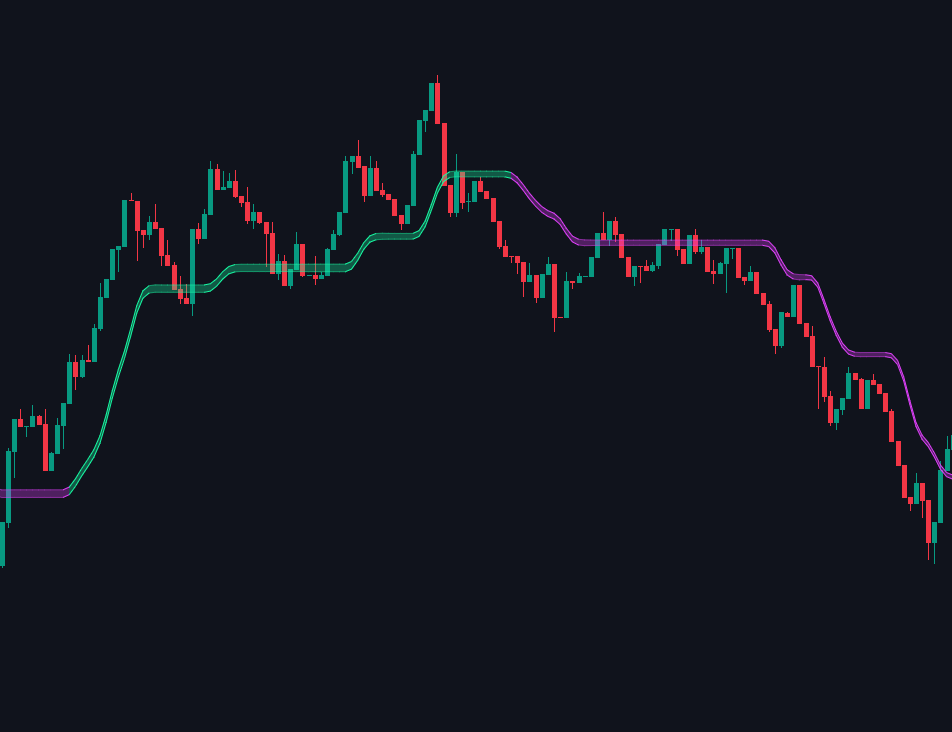
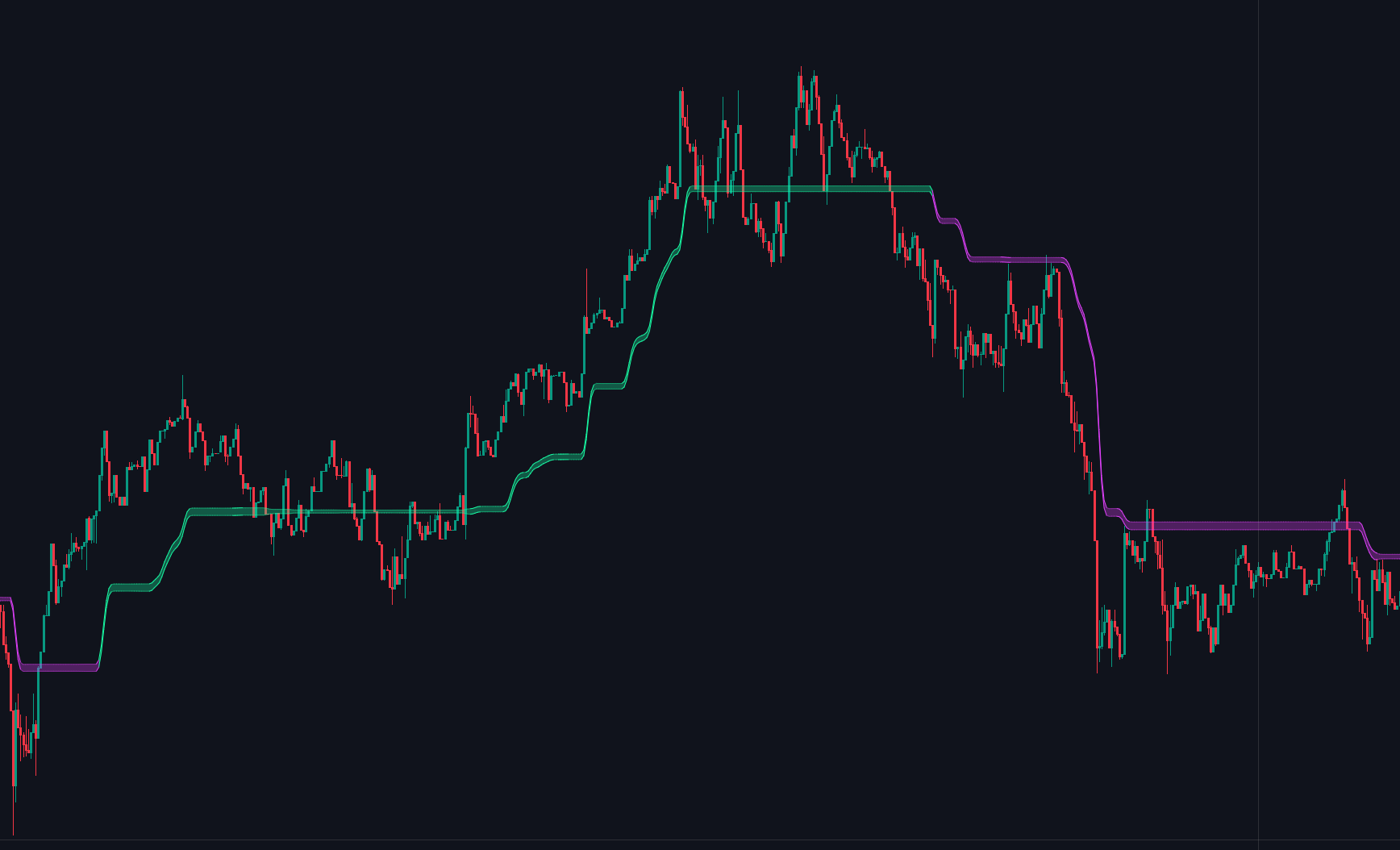
The Trend Magnet includes three distinct sensitivity settings to align with different trading styles and timeframes:
{% stepper %}
{% step %}
### Scalp
Optimized for high-frequency trading. This mode is highly sensitive to minor price fluctuations, providing early Trend signals for quick entries and exits.
{% endstep %}
{% step %}
### Normal
The default balanced setting, ideal for day trading. It filters out market noise while remaining responsive to significant intraday trend shifts.
{% endstep %}
{% step %}
### Macro
Designed for long-term analysis.
This mode prioritizes the dominant market direction, ignoring short-term volatility to keep you aligned with the primary trend.
{% endstep %}
{% endstepper %}
##
## **Triple-Line System**
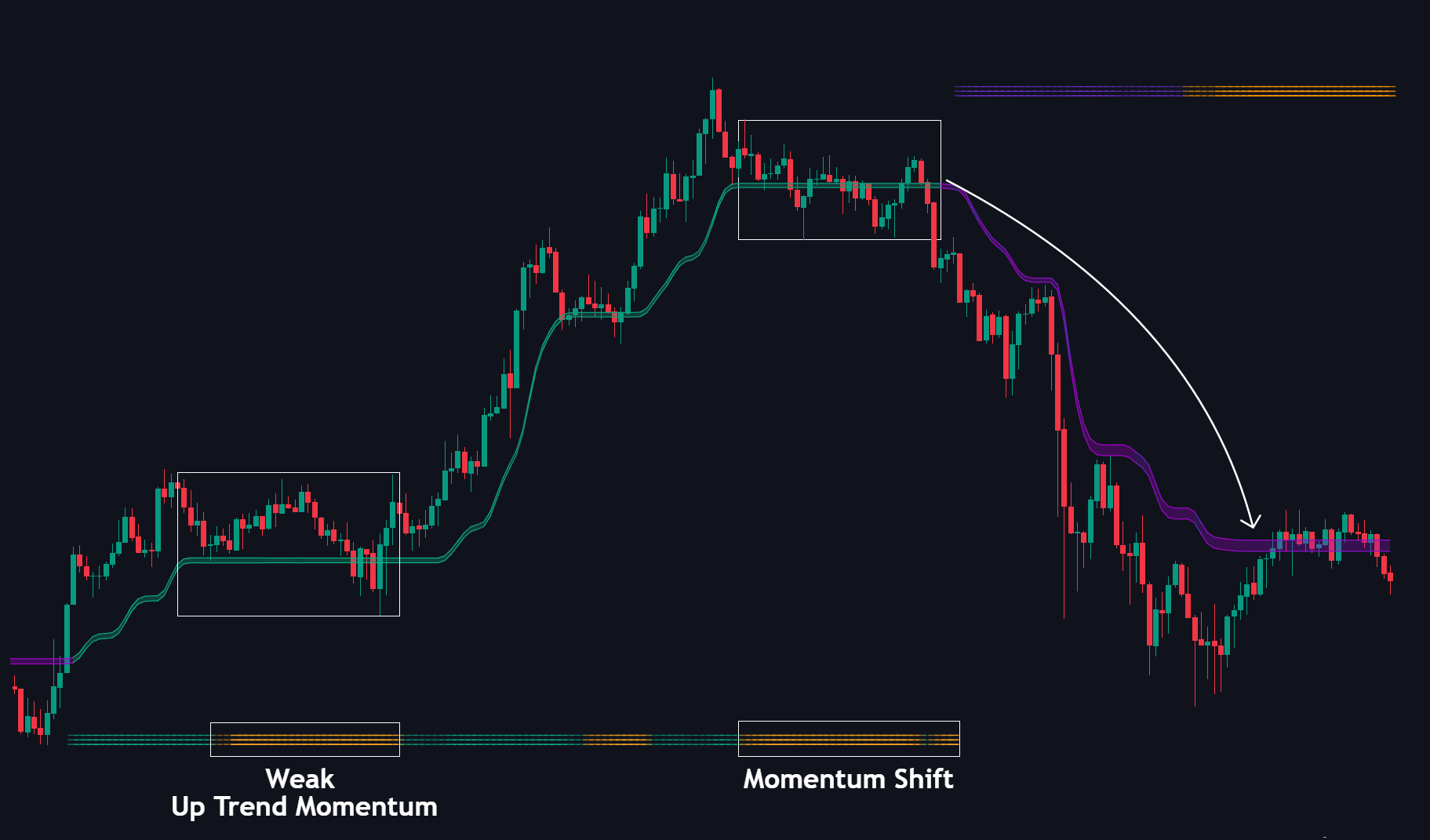
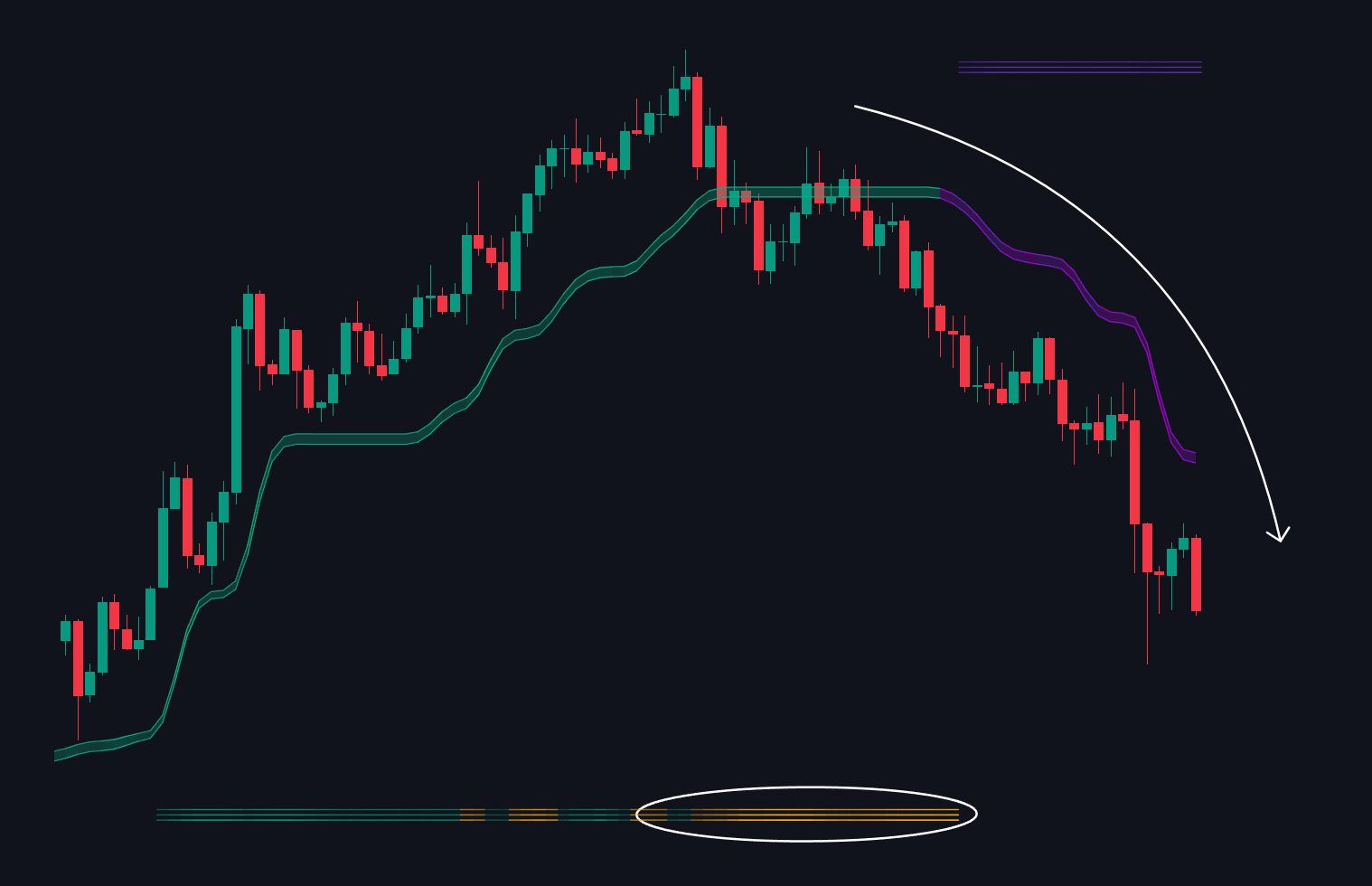
These horizontal line sets act as a trend strength and volatility scanner.
Appearing at the **bottom** during uptrends or at the **top** during downtrends, they help detect **trend exhaustion**, **pause zones**, or areas of consolidation.
The more frequent and extended the orange clusters, the greater the chance of a shift or slowdown in price movement.
Triple-Line System
{% hint style="info" %}
Use them as early alerts to reduce risk, manage exits, or prepare for possible reversals.
{% endhint %}
##
## How to use
### **Trend Confirmation**
Identify the direction of the TrendMagnet band slope—use the green band for a long bias and the purple band for a short bias.
### **Momentum Weakness Detection**
Watch for orange triple-line formations as early warnings of trend exhaustion; they are ideal for tightening your risk management.
### **Range Filtering**
Avoid entries when the TrengMagnet band is flat, as this indicates a lack of clear direction or consolidation.
##
## Settings
| Setting | Description |
| -------------------- | --------------------------------------------------------------------------------------------------------------------------------------------------------------------------------------------- |
| Trend Magnet Toggle | Enables or disables the primary trend-following band on your chart. |
| Trend Detection Mode |
A dropdown to adjust the indicator's sensitivity.
Scalp for rapid price action
Normal for standard day trading,
Macro for long-term trend analysis.
|
| Trend Colors | Customizes the visual colors for the trend band. |
| Magnet Bar | Toggles horizontal visual bands at the top and bottom of the chart. These highlight trends and momentum strength. |