> For the complete documentation index, see [llms.txt](https://docs.bigbeluga.org/llms.txt). Markdown versions of documentation pages are available by appending `.md` to page URLs; this page is available as [Markdown](https://docs.bigbeluga.org/ai-extension-sonar-tm/get-started.md).
# Get Started
{% stepper %}
{% step %}
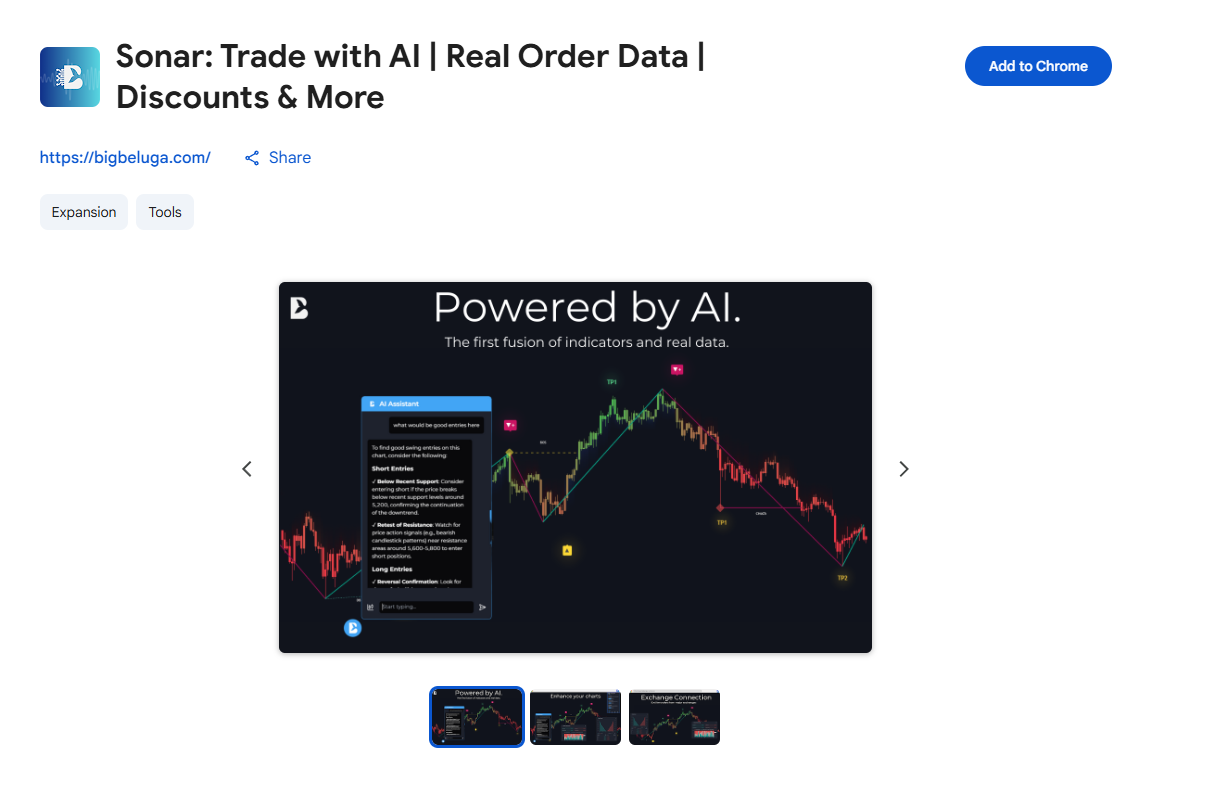
### Go to official extension page: [Click here ](https://chromewebstore.google.com/detail/sonar-trade-with-ai-real/knohjfmibiegmojdghpnkgbhfcmighda)
{% endstep %}
{% step %}
### Click the blue **“Add to Chrome”** button.
{% endstep %}
{% step %}
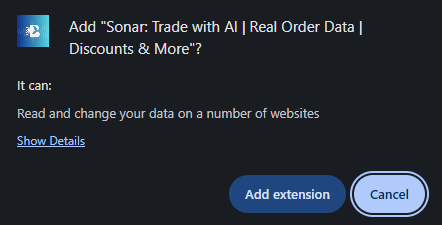
### A popup will appear. Click **“Add extension”** to confirm.
{% endstep %}
{% step %}
### Once installed, the extension will be added to your browser.
{% endstep %}
{% step %}
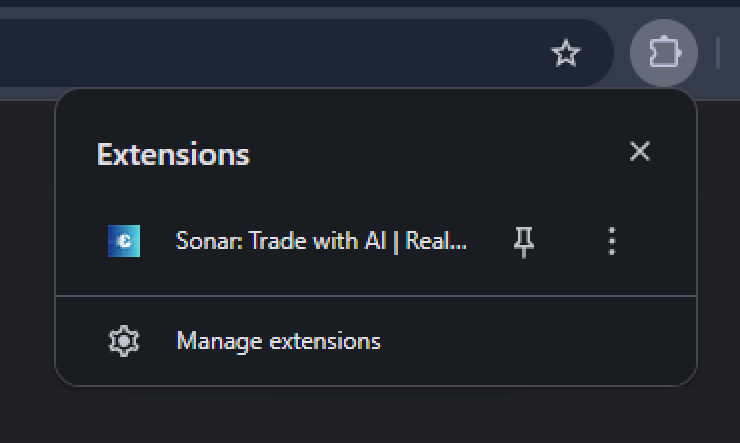
### Click the puzzle icon (🧩) in the top-right corner of Chrome to open the **Extensions tab**.
Find **BigBeluga Sonar Extension** in the list. Click the pin icon 📌 next to it to keep it visible in your toolbar.
{% endstep %}
{% step %}
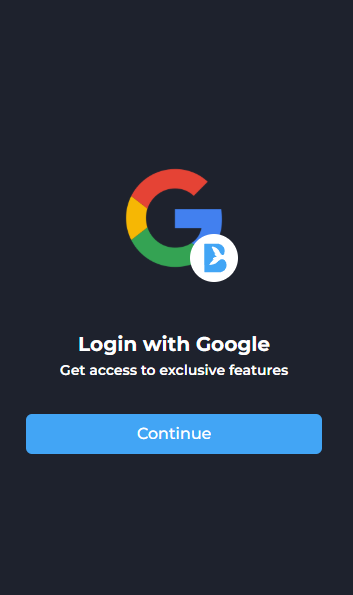
### Log In with Google
Click **“Continue”** and select your Google account to sign in.\
This unlocks access to premium tools, AI chat, referrals, and customization features.
***
{% endstep %}
{% endstepper %}
### **That’s it! You’re ready to start trading smarter with BigBeluga Sonar**